
{{ getFeatureName(action_mode) }} your image

Drop your image here.
Our popular AI tools
Enhance Photo
Automatically enhance the blurry photo's resolution and increase the overall quality.
Remove Objects
AIPhotor's One-Touch AI simply detects and removes unwanted details in your picture.
Remove Background
Seamlessly remove background from photos. Edit background with 100+ well-designed templates.
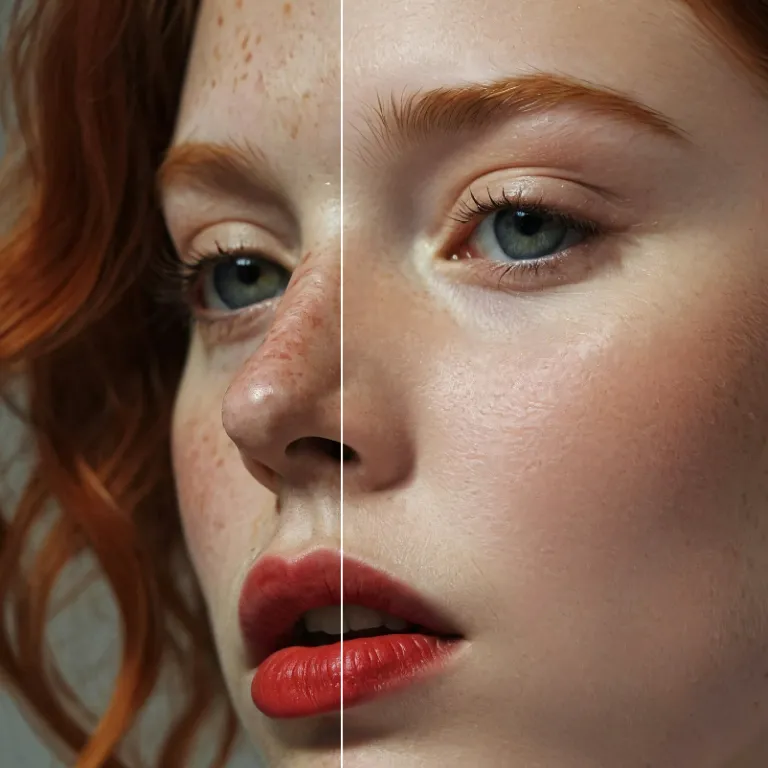
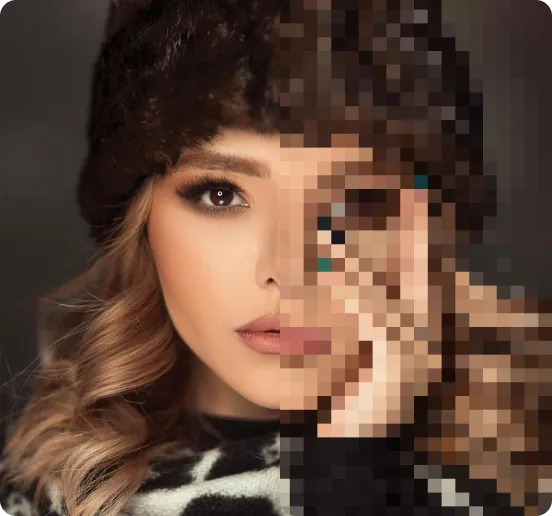
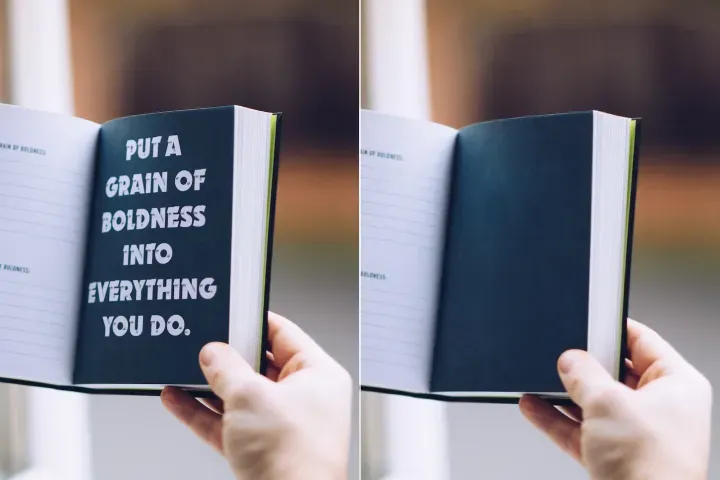
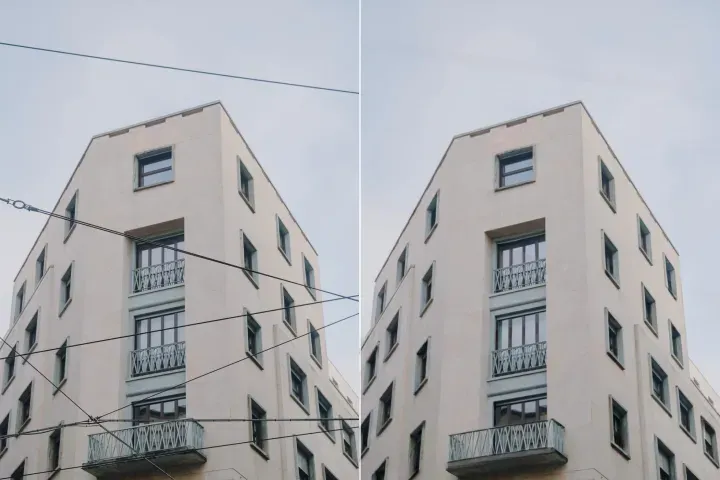
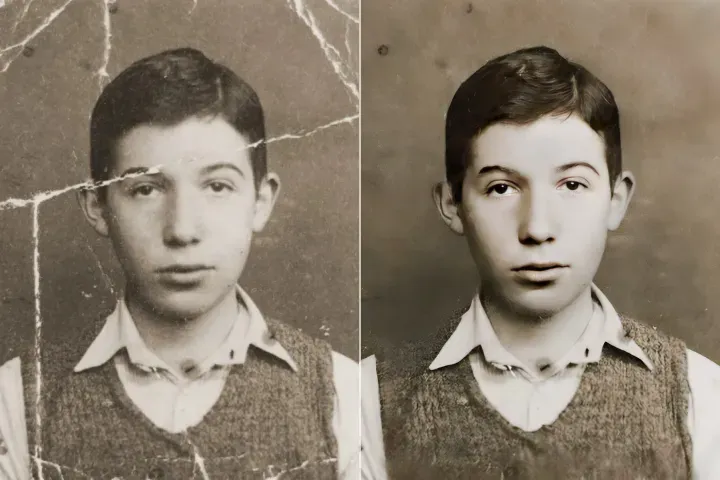
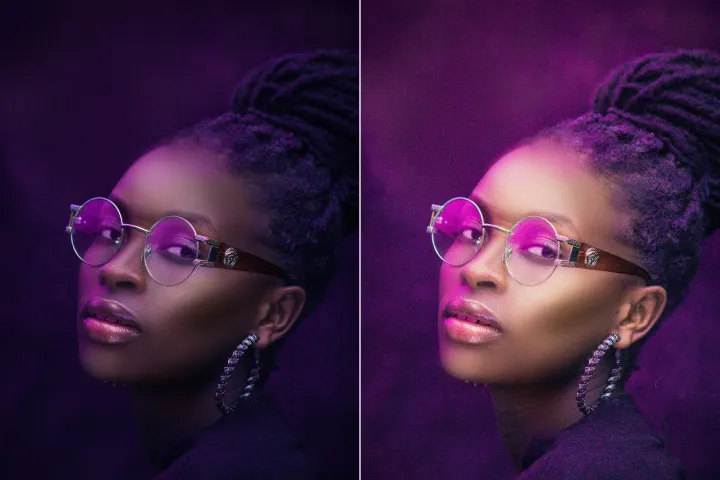
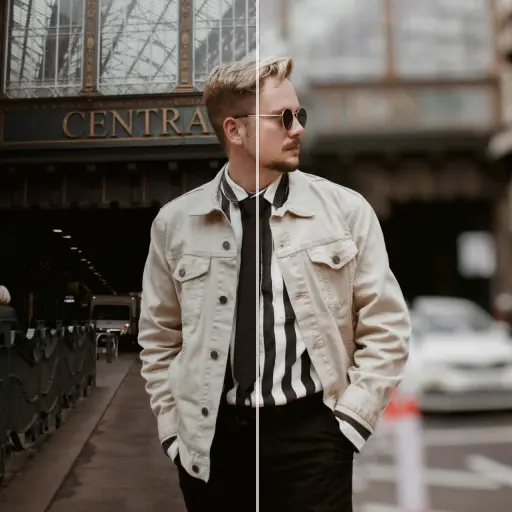
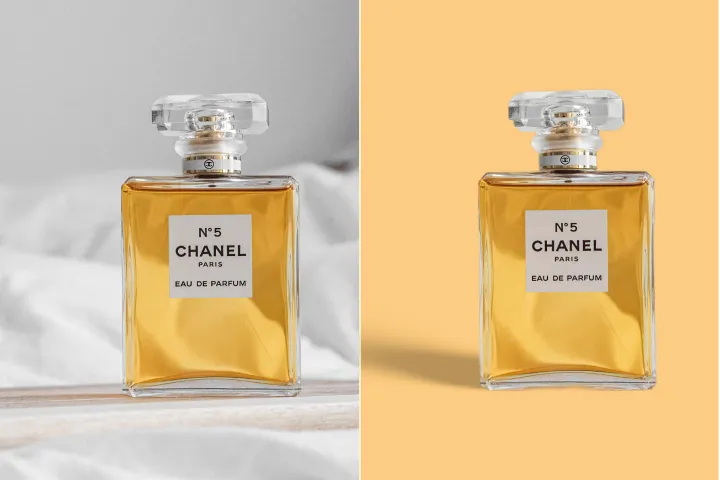
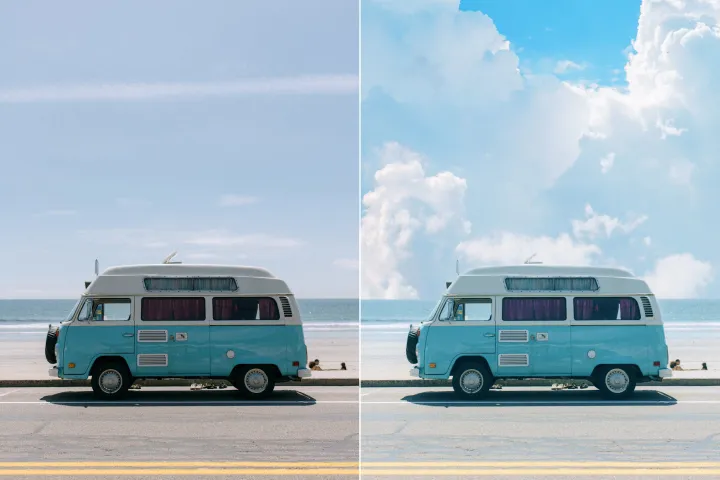

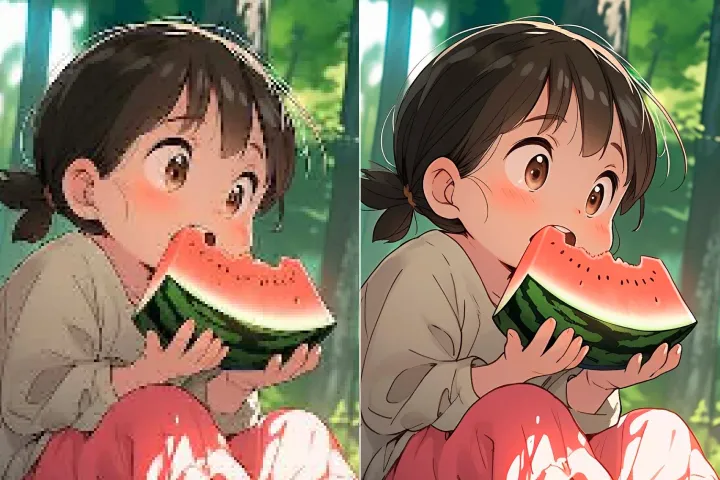
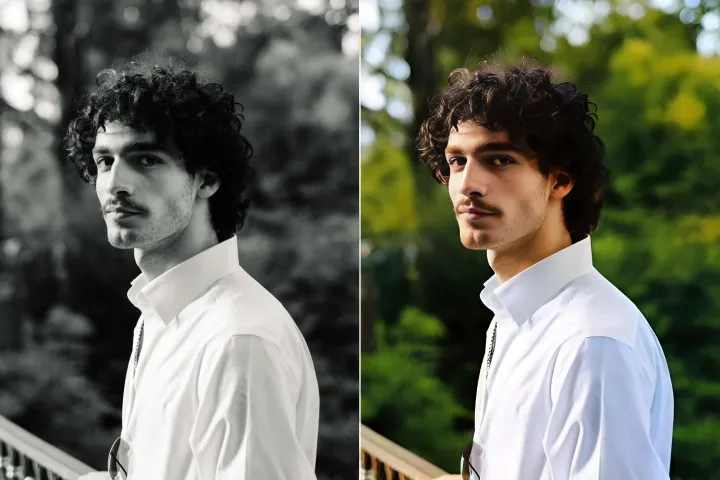
Fotos online verbessern
mit KI
PDF-Audit und -Protokollierung: Verbessern Sie Ihre Fotos mit nachvollziehbaren KI-Verbesserungen, wobei jede Änderung im Verarbeitungsverlauf festgehalten wird, Audit-Trails erhalten bleiben, den Fortschritt überwachen und bei wichtigen Ereignissen Benachrichtigungen auslösen.




PDF-Audit und -Protokollierung: Wie Sie die Monitoring-Suite verwenden
Verwalten und nachverfolgen Sie PDF-Aktionen und den Verarbeitungsverlauf geräteübergreifend in einem sicheren, auditierbaren Workflow in 3 kontrollierten Schritten mit PdfAl:
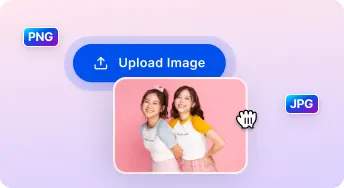
1 Bild hochladen

2 Vergleichen & Anpassen:

3 Herunterladen & Teilen:
All-in-One-KI Foto-Verbesserungs-Sets
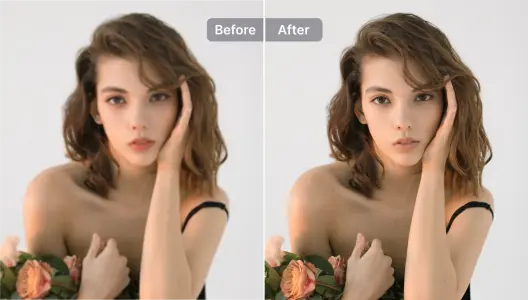
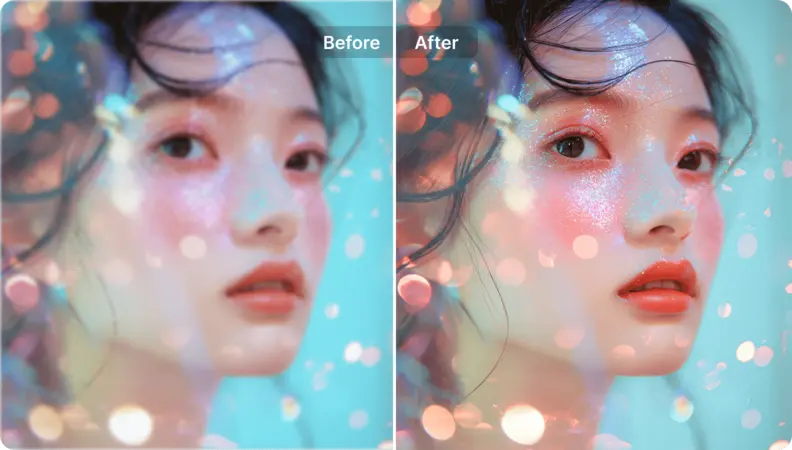
Porträts & Selfies verbessern
Inhaltsintegrität bewahren, während Verbesserungen oder Redaktionen vorgenommen werden; alle Änderungen werden mit Zeitstempeln protokolliert.
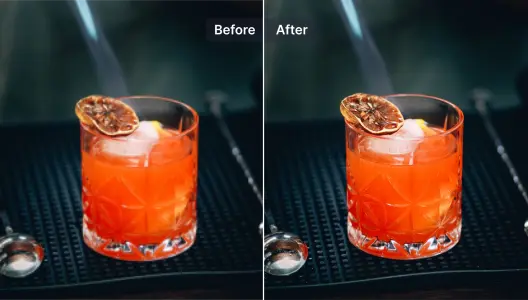
Produktfotos verbessern
In PDFs eingebettete Bilder zur Klarheit verbessern; sicherstellen, dass jede Aktion protokolliert und nachprüfbar ist.
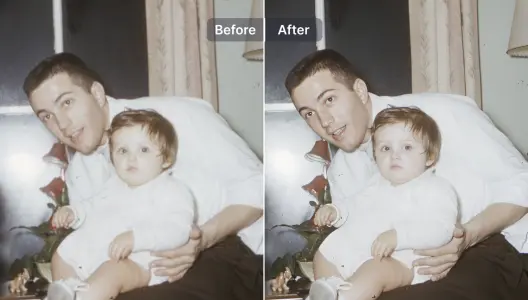
Unscharfe Fotos verbessern und reparieren
Lesbarkeit in unscharfen oder gescannten PDF-Inhalten mithilfe von KI-gestützter Verarbeitung wiederherstellen, während ein vollständiges Aktionsprotokoll geführt wird.
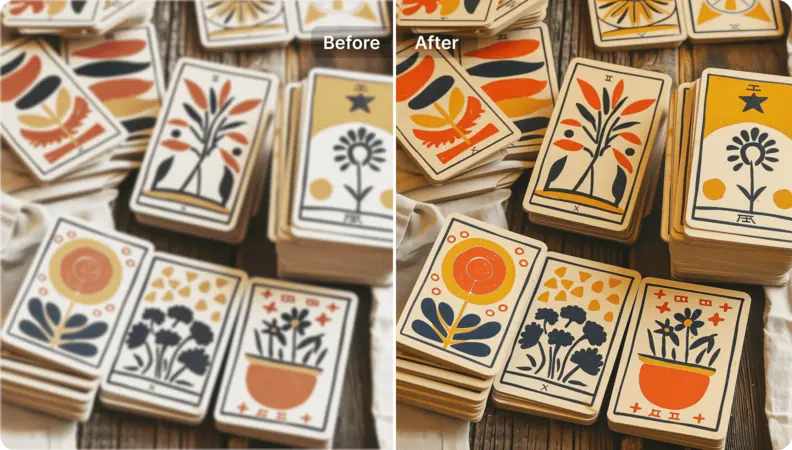
Illustrationen und Grafikdesigns verbessern
PDF-Grafiken und Diagramme durch nachprüfbare KI-Verarbeitung hochskalieren und aufwerten, Layout und Konformität beibehalten.
Kunstbilder hochskalieren
In PDFs eingebettete Kunstwerke und Vektorelemente in hochauflösende, druckfertige Assets umwandeln, mit vollständiger Nachverfolgbarkeit im Aktivitätsprotokoll.
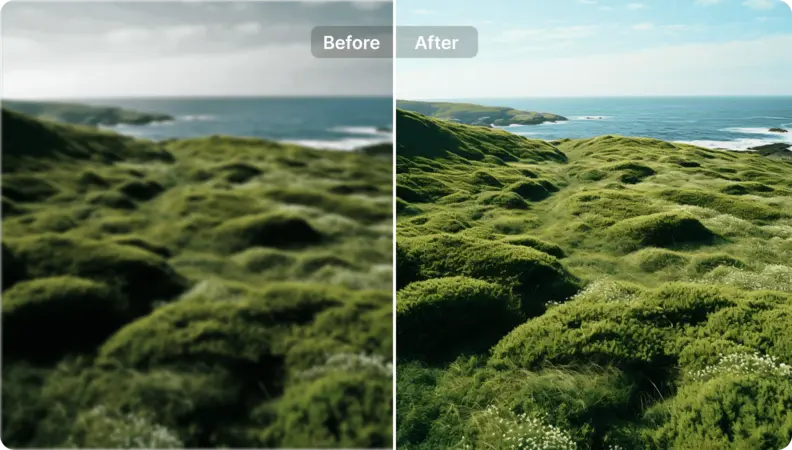
Landschaftsfotos neues Leben einhauchen
PDF-Audit- und Logging-Verbesserung: Die Dokumentendarstellung verbessern, während nachvollziehbare Aktionen und eine verifizierbare Verarbeitungshistorie gewährleistet sind. Diese Funktion sorgt für klare Audit-Trails und Aktivitätsprotokolle, überwacht kontinuierlich den Dokumentstatus und betriebliche Ereignisse und löst Benachrichtigungen bei wichtigen Änderungen oder Problemen aus, um Compliance und Prüfung zu unterstützen.

Free to Try
AIPhotor is free to try for 3 days, after which you can subscribe to one of our incredible value plans.

Free to Try
We automatically sharpen and transform your images with AI to create multiple final looks. But you can also adjust and add a prompt to customize the results. Choose what works best for you!

Quick & Easy
Screen, edit, resize and download your photos lightning fast.

Compatible with all devices
AIPhotor is available on the iOS and Android stores. Our app works seamlessly across mobile, desktop, and tablet devices.
Frequently Asked Questions
-
What is AIPhotor Photo Editor?

 AIPhotor is a visual online photo editing website that leverages AI technology to help automatically remove objects/people from images; retouch, enhance, colorize, correct, cartoonize, and animate photos in a snap, replacing other photo editing tools Photoshop, Pixlr editor, or Photopea.
Or just drag & drop image here, upto 50 images at once
Or just drag & drop image here, upto 50 images at once
Frequently Asked Questions
-
What is AIPhotor Photo Editor?
AIPhotor is a visual online photo editing website that leverages AI technology to help automatically remove objects/people from images; retouch, enhance, colorize, correct, cartoonize, and animate photos in a snap, replacing other photo editing tools Photoshop, Pixlr editor, or Photopea.
