
{{ getFeatureName(action_mode) }} your image

Drop your image here.
Our popular AI tools
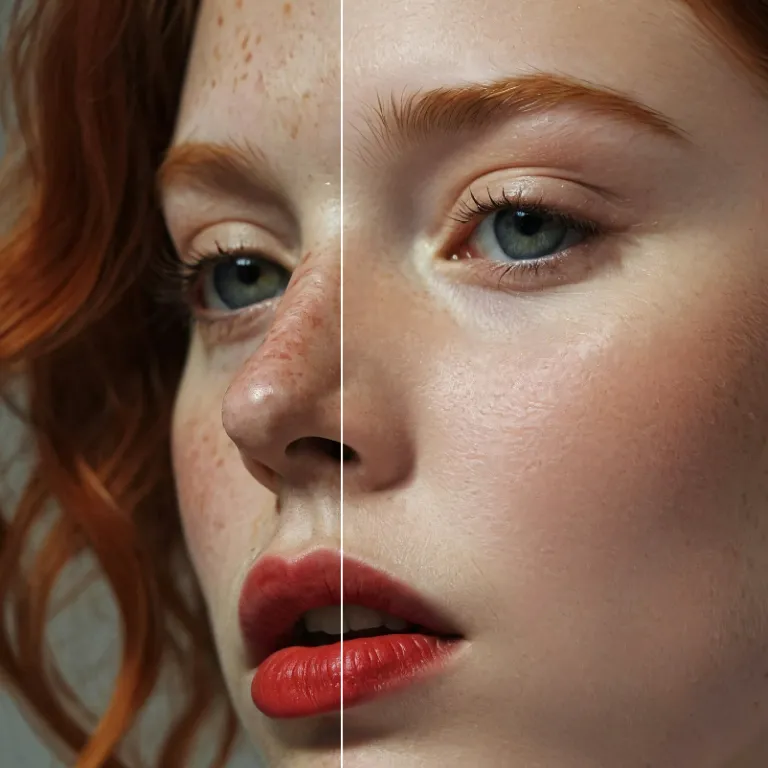
Enhance Photo
Automatically enhance the blurry photo's resolution and increase the overall quality.
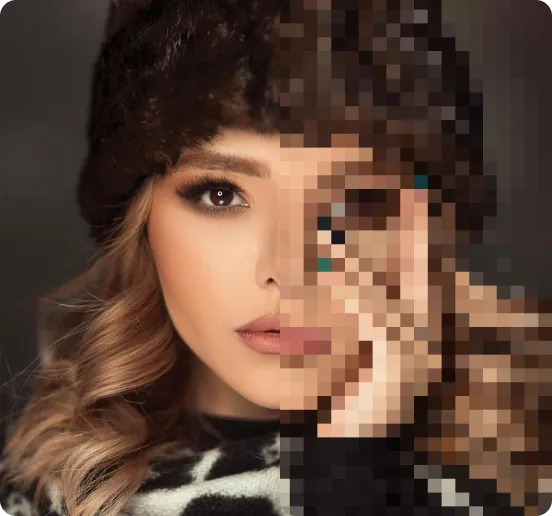
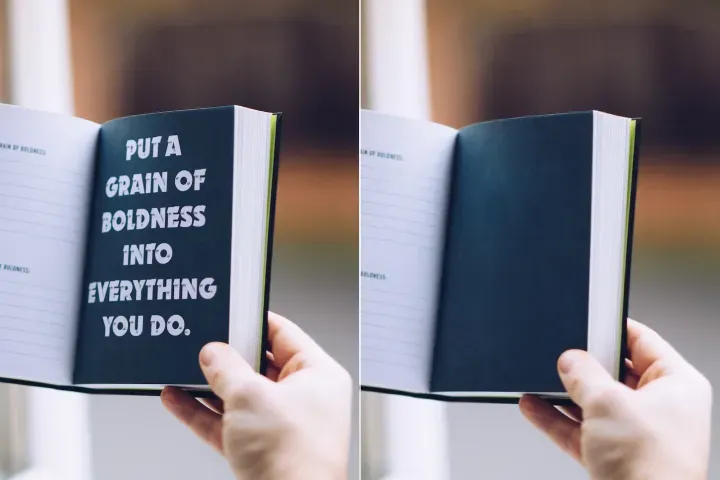
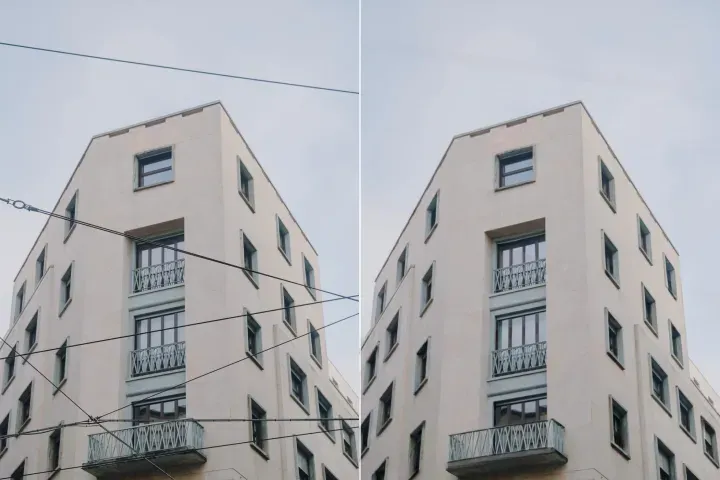
Remove Objects
AIPhotor's One-Touch AI simply detects and removes unwanted details in your picture.
Remove Background
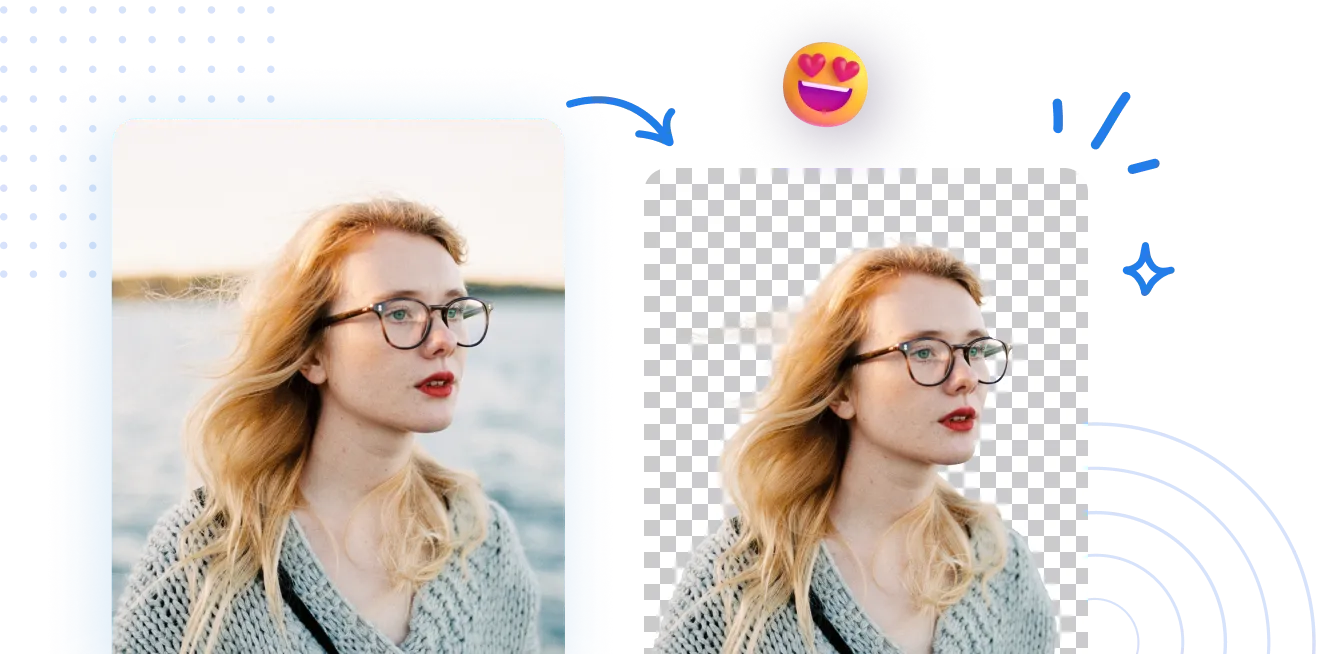
Seamlessly remove background from photos. Edit background with 100+ well-designed templates.

Eliminador de fondo de imágenes
con IA
Detalle de la auditoría y el registro de PDFs: Registrar las operaciones de eliminación de fondo sobre activos PDF con pasos trazables, preservando un historial auditable de cambios en la apariencia y la estructura. El sistema mantiene un registro claro del historial de procesamiento y de los eventos de monitoreo para respaldar las revisiones de cumplimiento.

¿Cómo quitar el fondo de una foto?
Utilice el Background Remover dentro del marco de Auditoría y Registro de PDFs en 3 pasos simples. Primero, abra la función Background Remover y siga las instrucciones guiadas. Todos los pasos quedan registrados en el registro de auditoría, lo que permite trazabilidad y monitoreo del cumplimiento.
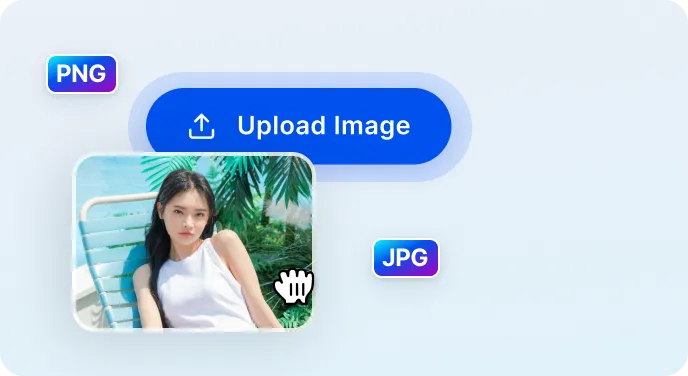
1 Cargar imagen
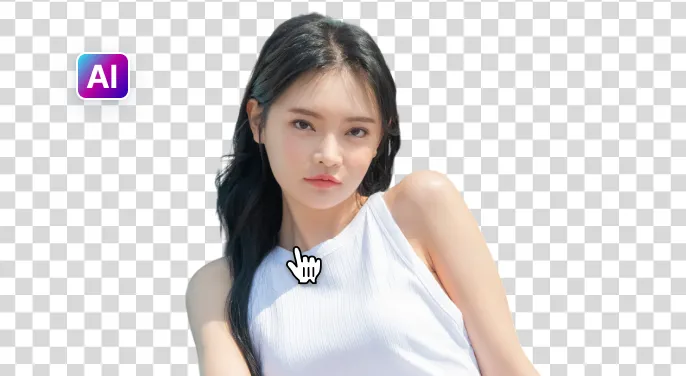
2 Espera a que la IA elimine el fondo
3 Descargar imagen
Quitar el fondo de la imagen más fácilmente con IA
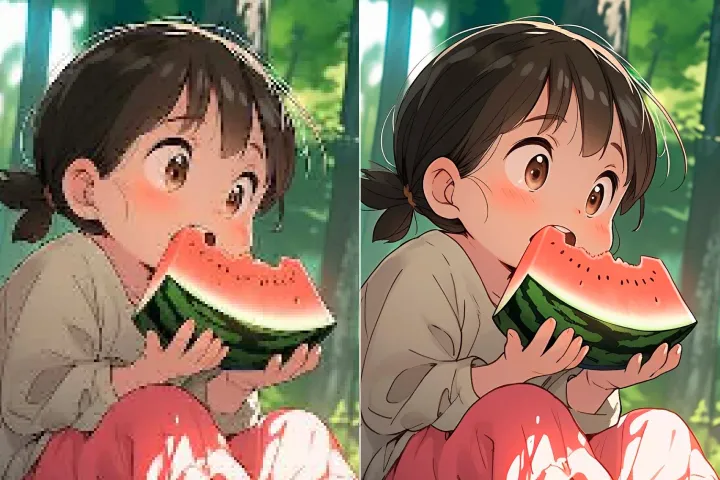
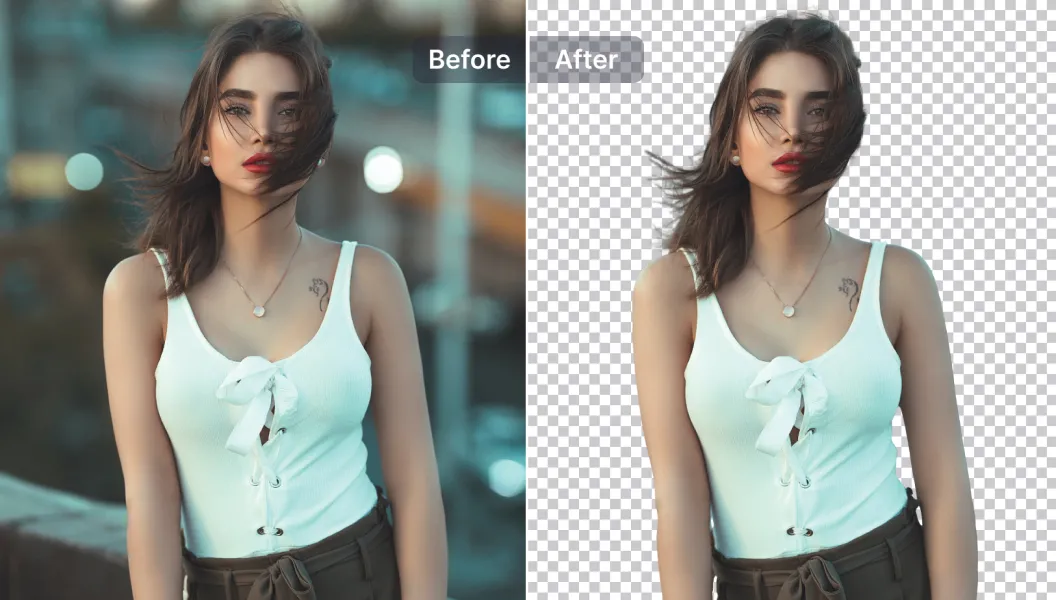
Borrador de fondo rápido y preciso
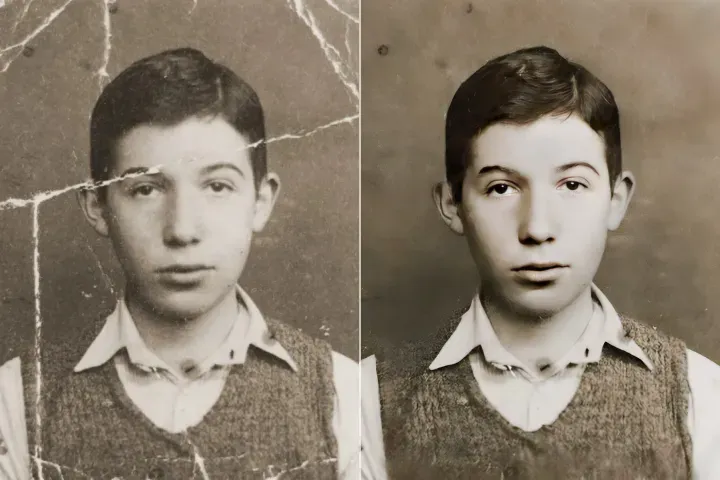
Subcomparación 1: El procesamiento permanece rápido mientras se conservan los detalles del documento; todos los pasos quedan registrados en el registro de auditoría para garantizar trazabilidad y cumplimiento.
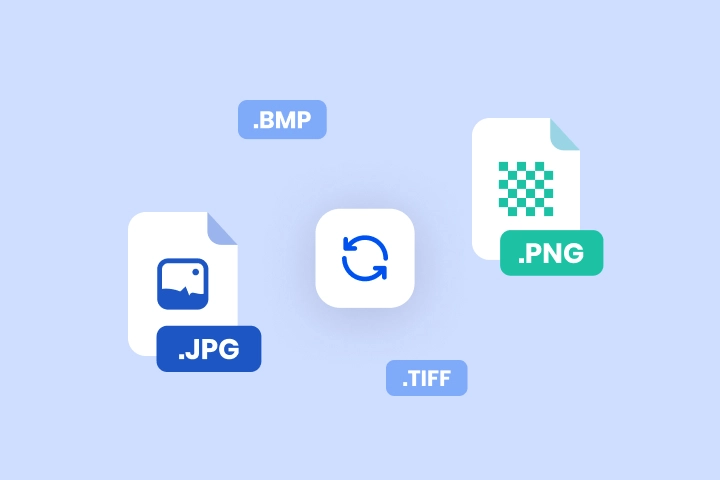
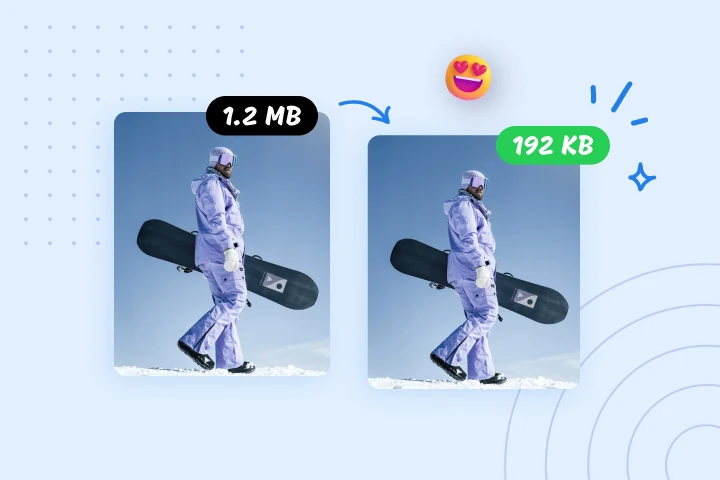
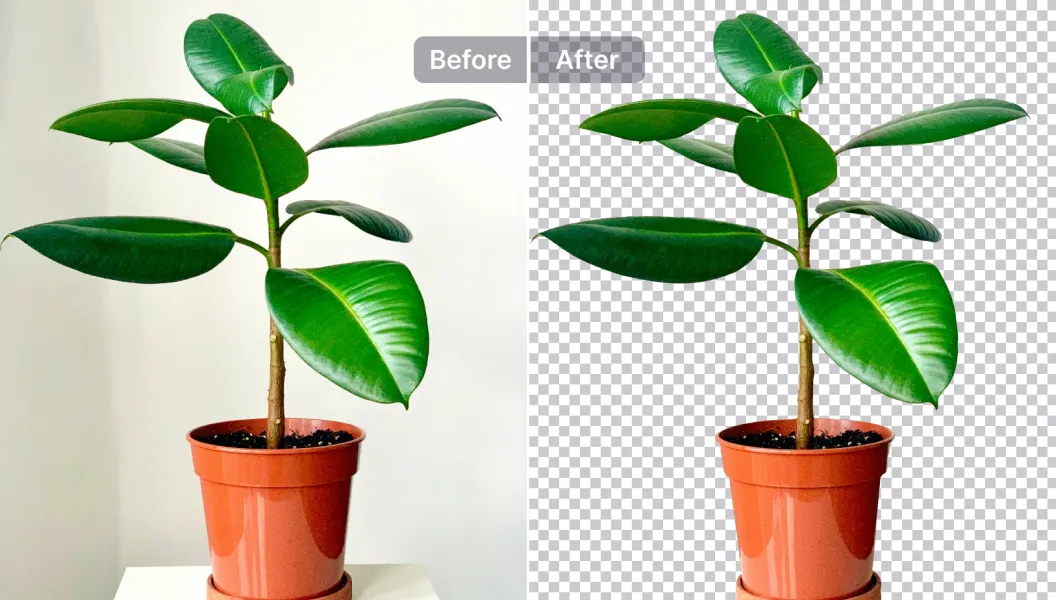
Opciones de edición potentes
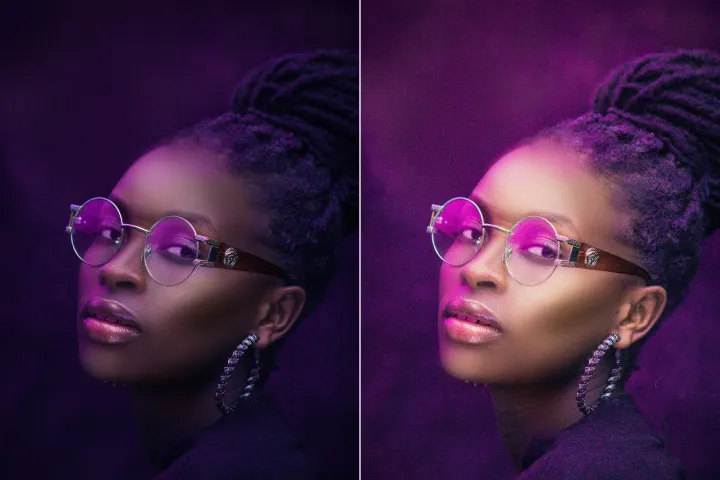
Subcomparación 2: Puede aprovechar las herramientas de edición impulsadas por IA dentro de la plataforma de Auditoría y Registro de PDFs para anotar, redactar o modificar contenido, redimensionar activos, mejorar la calidad y más; todas las acciones quedan registradas en el registro de auditoría.
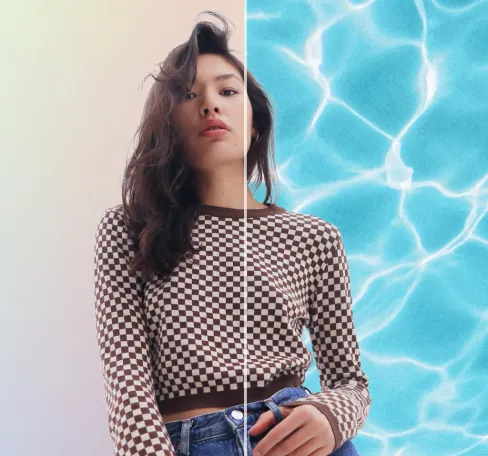
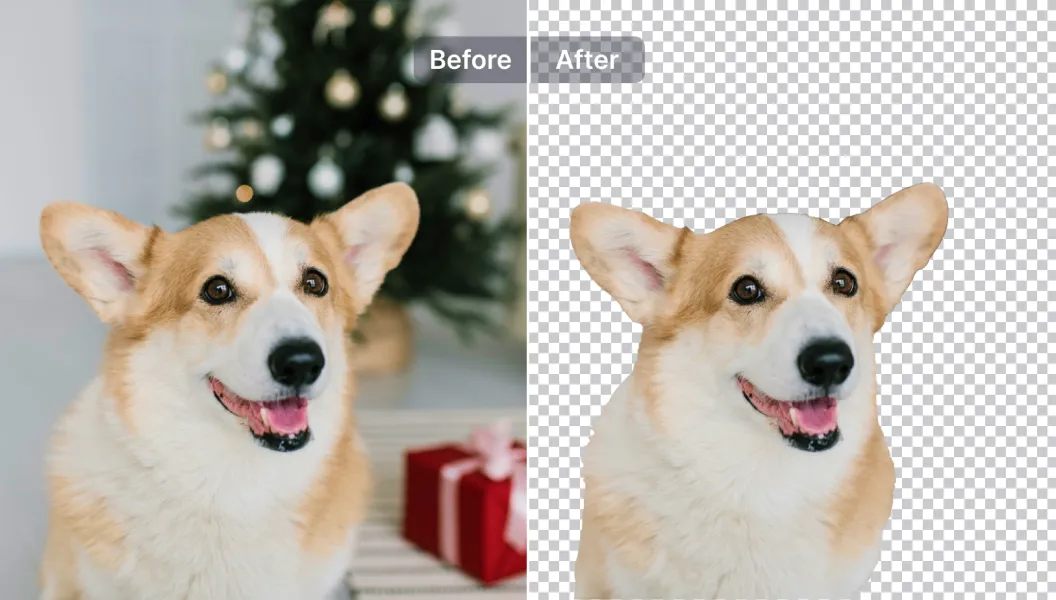
Editar, reemplazar o hacer transparente el fondo
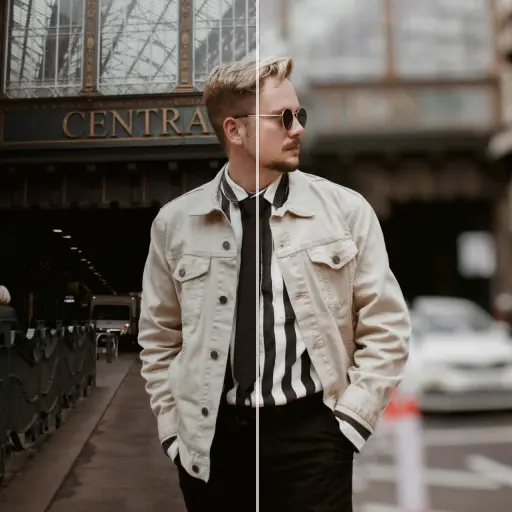
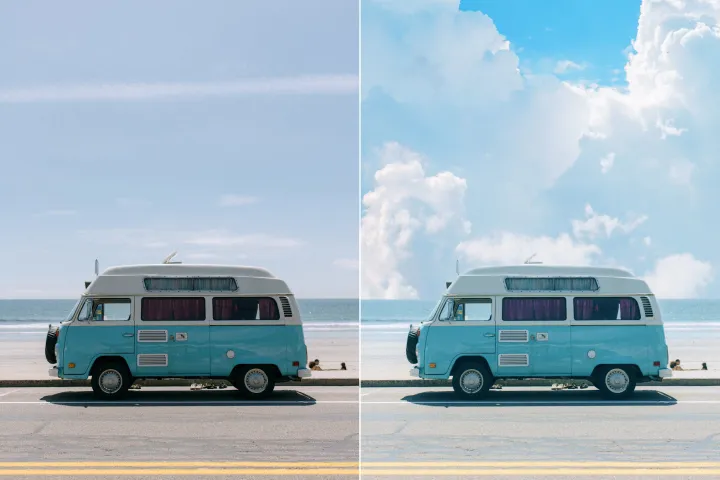
Subcomparación 3: Aplica fondos transparentes o reemplázalos por plantillas (o sube las tuyas). Todas las selecciones y cambios de plantillas se registran dentro del sistema de Auditoría y Registro de PDFs, respaldando el cumplimiento para la marca y la distribución de documentos.

Free to Try
AIPhotor is free to try for 3 days, after which you can subscribe to one of our incredible value plans.

Free to Try
We automatically sharpen and transform your images with AI to create multiple final looks. But you can also adjust and add a prompt to customize the results. Choose what works best for you!

Quick & Easy
Screen, edit, resize and download your photos lightning fast.

Compatible with all devices
AIPhotor is available on the iOS and Android stores. Our app works seamlessly across mobile, desktop, and tablet devices.
Frequently Asked Questions
-
What is AIPhotor Photo Editor?

 AIPhotor is a visual online photo editing website that leverages AI technology to help automatically remove objects/people from images; retouch, enhance, colorize, correct, cartoonize, and animate photos in a snap, replacing other photo editing tools Photoshop, Pixlr editor, or Photopea.
Or just drag & drop image here, upto 50 images at once
Or just drag & drop image here, upto 50 images at once
Frequently Asked Questions
-
What is AIPhotor Photo Editor?
AIPhotor is a visual online photo editing website that leverages AI technology to help automatically remove objects/people from images; retouch, enhance, colorize, correct, cartoonize, and animate photos in a snap, replacing other photo editing tools Photoshop, Pixlr editor, or Photopea.
