
{{ getFeatureName(action_mode) }} your image

Drop your image here.
Our popular AI tools
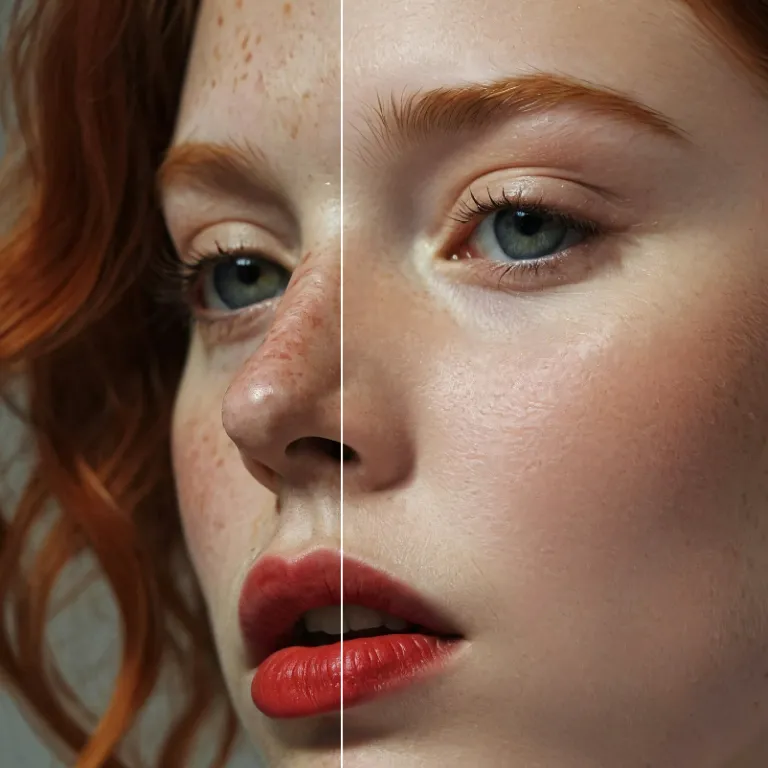
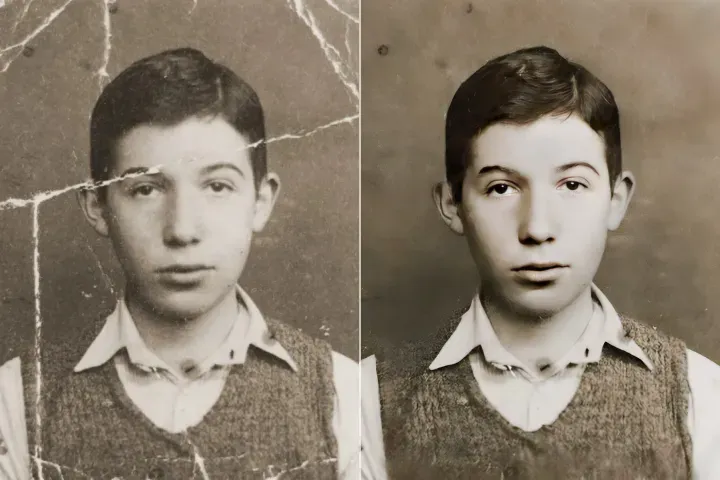
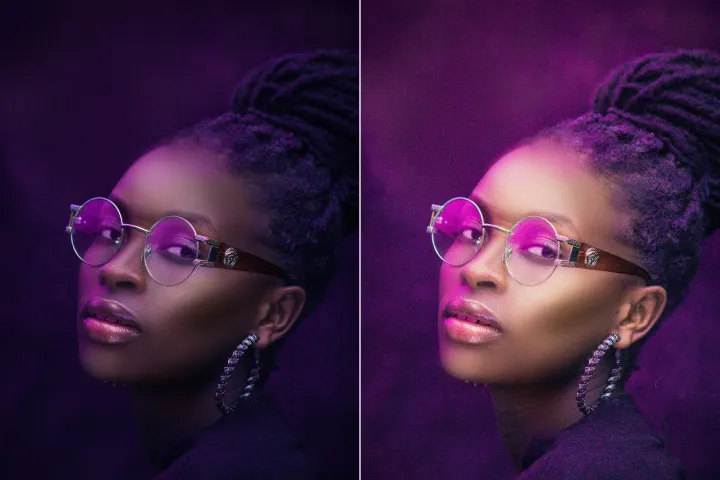
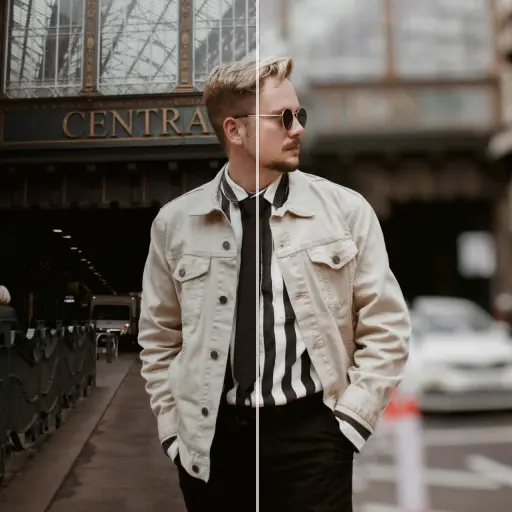
Enhance Photo
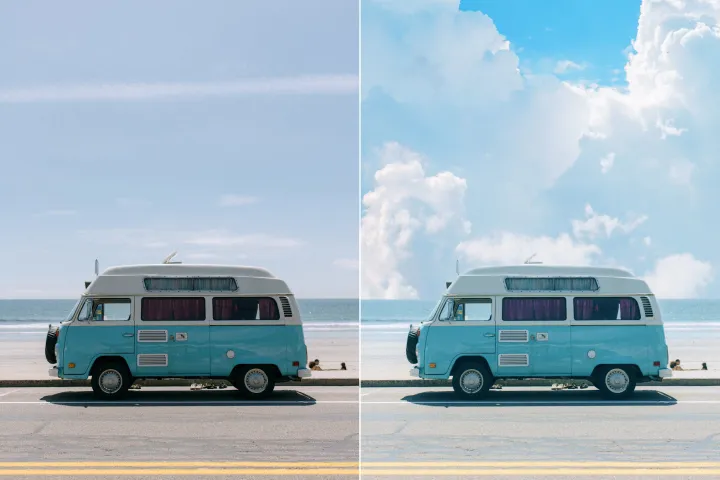
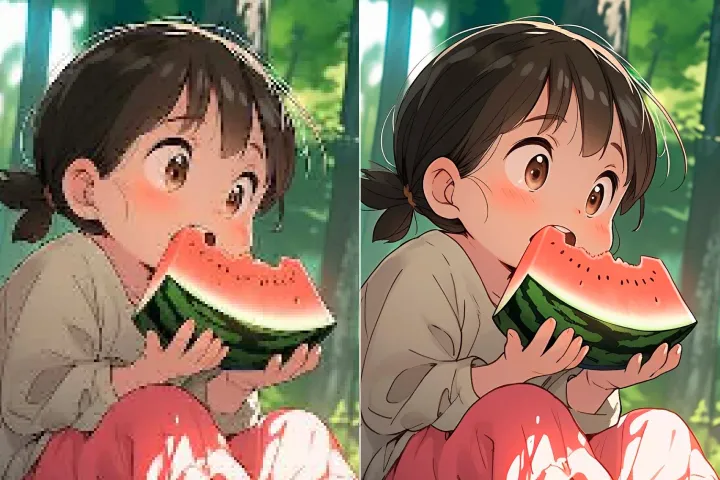
Automatically enhance the blurry photo's resolution and increase the overall quality.
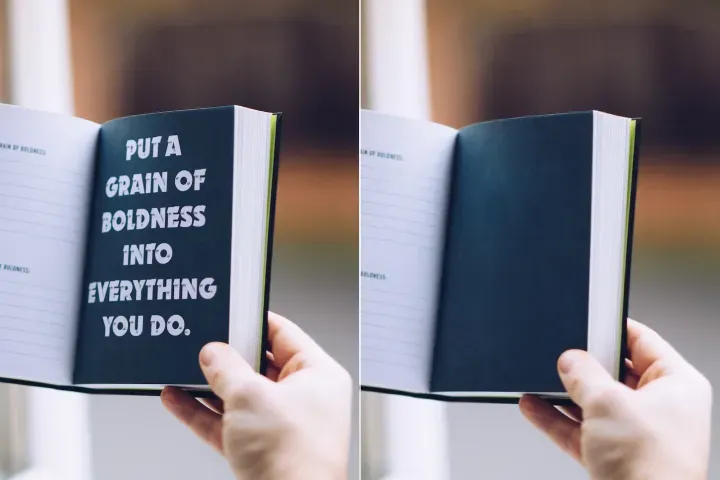
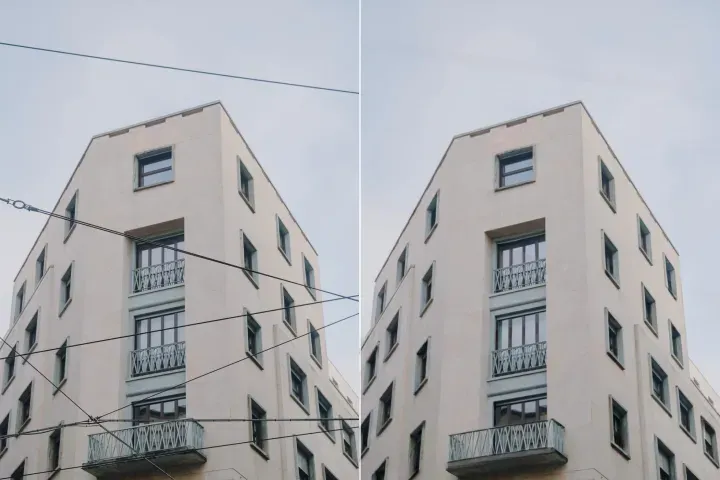
Remove Objects
AIPhotor's One-Touch AI simply detects and removes unwanted details in your picture.
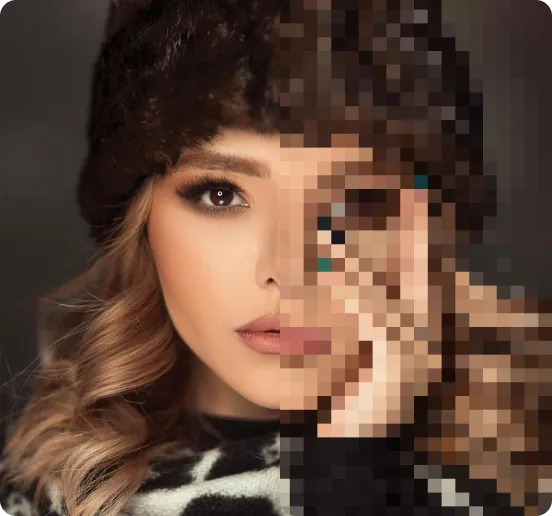
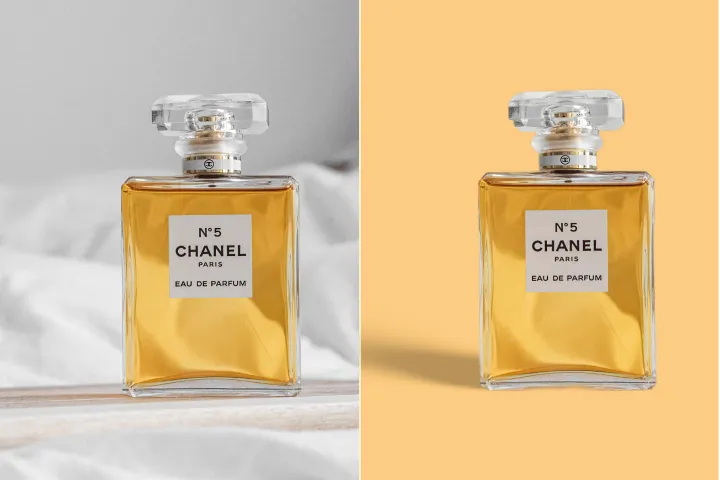
Remove Background
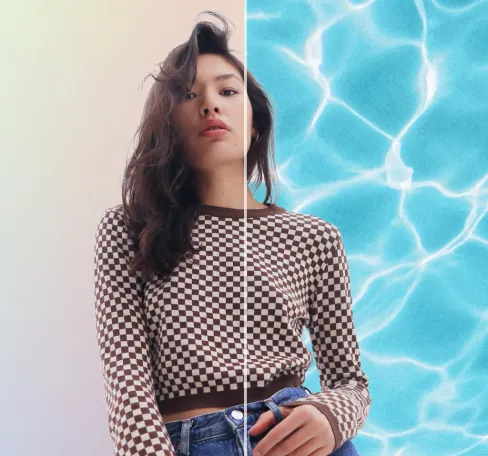
Seamlessly remove background from photos. Edit background with 100+ well-designed templates.
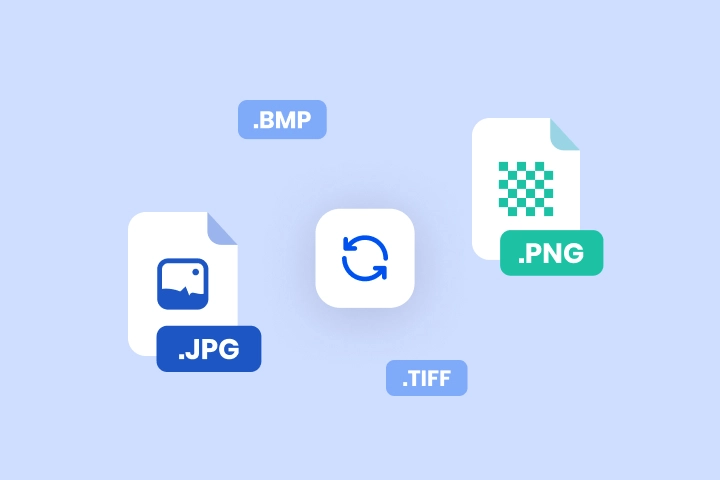
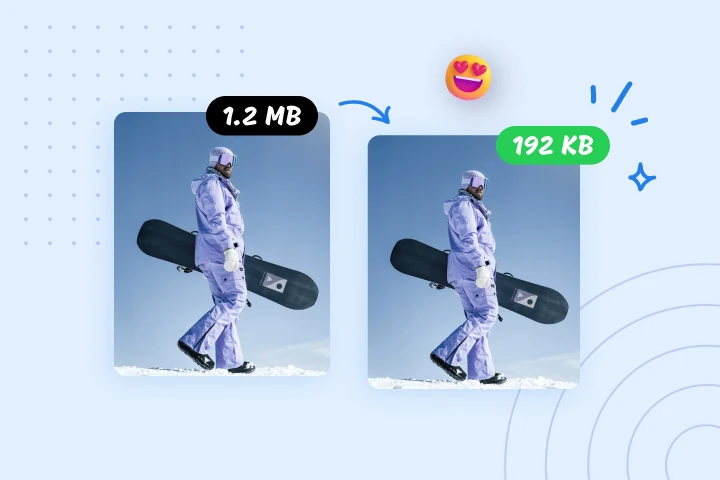
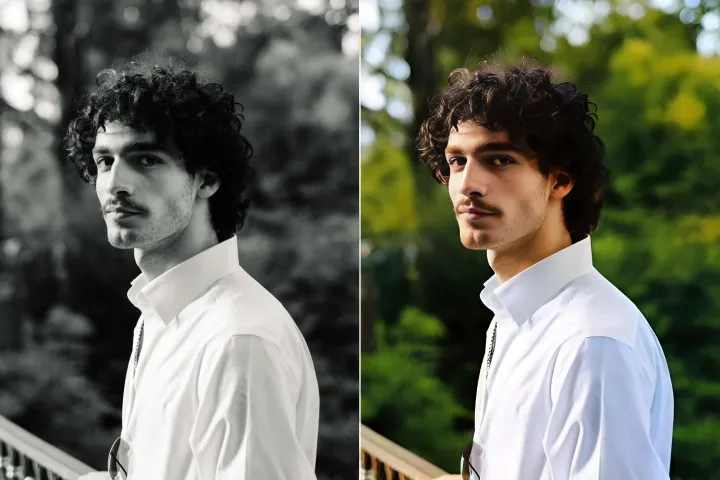
Converti le immagini in qualsiasi formato con un solo clic
Convertitore abilitato a PDF Audit e Logging: convertire PNG in JPG, JPG in PDF o TIFF in JPG con una cronologia di elaborazione tracciabile. Caricamenti sicuri, conversione di alta qualità ed elaborazione batch inclusi.
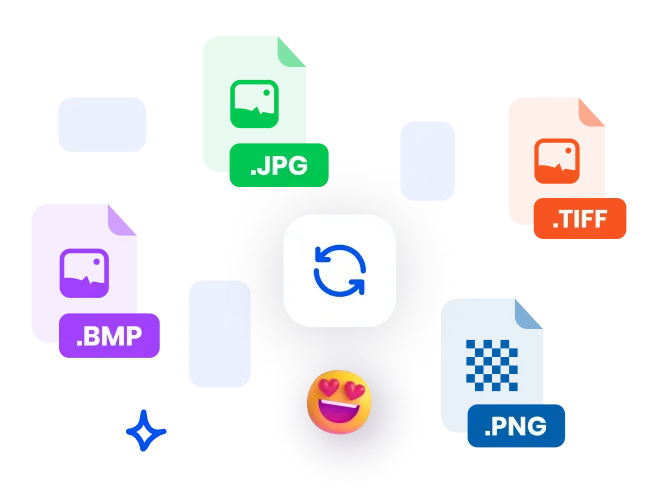

Come convertire un file all'interno del flusso di lavoro PDF Audit e Logging
Segui questi 3 passaggi per convertire file all'interno dell'ecosistema di monitoraggio PDF da qualsiasi dispositivo:
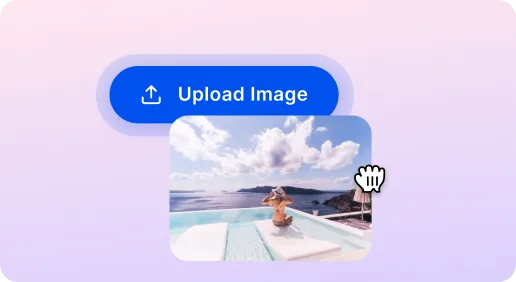
1 Carica un'immagine
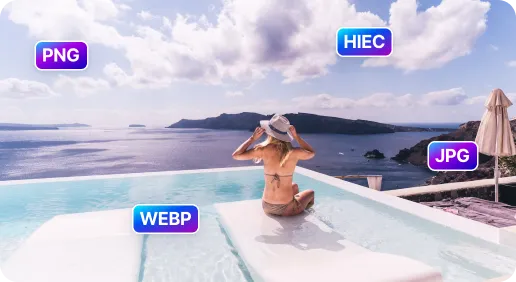
2 Scegli il formato di destinazione
3 Converti immagine
Convertitore di immagini SnapEdit: Più veloci e sicuri
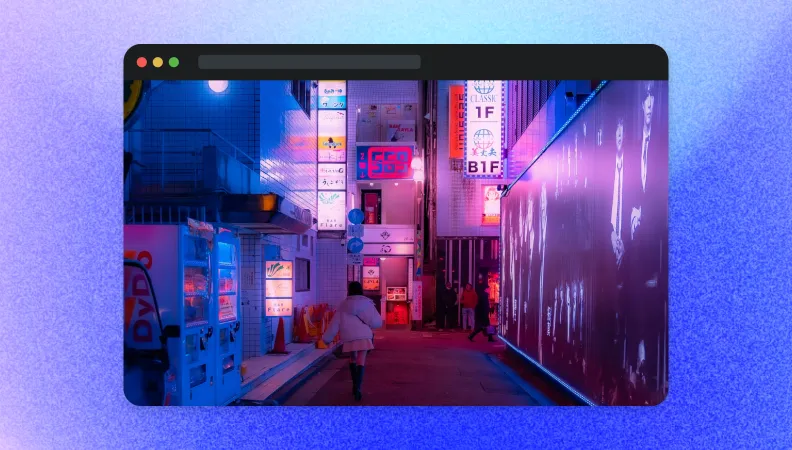
Converti immagine per il sito web
Converti le immagini in JPEG o WebP per un caricamento più rapido mantenendo alta la qualità. Questo cambiamento di formato è tracciato in PDF Audit and Logging per supportare la tracciabilità della cronologia dell'elaborazione delle immagini e il monitoraggio continuo delle conversioni.
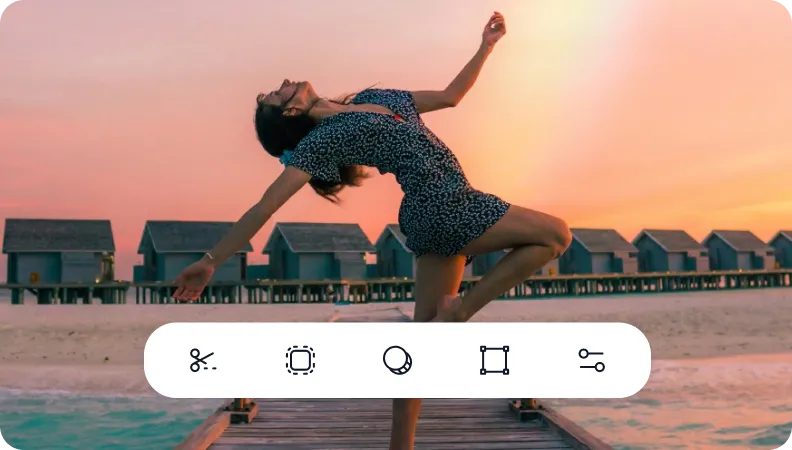
Converti immagine per l'editing fotografico
Cambia facilmente i formati per scopi di modifica, ad es. da JPEG a PNG per la trasparenza o da HEIC a PNG per la compatibilità. Ogni cambio di formato viene registrato in PDF Audit and Logging per mantenere una chiara traccia di audit e una cronologia dell'elaborazione.
Migra i formati legacy verso formati ampiamente supportati
Converti i formati di immagini legacy o non supportati in formati moderni e ampiamente compatibili. Le azioni sono registrate in PDF Audit and Logging per fornire tracciabilità, monitoraggio dello stato di elaborazione e una cronologia conforme alle normative.

Free to Try
AIPhotor is free to try for 3 days, after which you can subscribe to one of our incredible value plans.

Free to Try
We automatically sharpen and transform your images with AI to create multiple final looks. But you can also adjust and add a prompt to customize the results. Choose what works best for you!

Quick & Easy
Screen, edit, resize and download your photos lightning fast.

Compatible with all devices
AIPhotor is available on the iOS and Android stores. Our app works seamlessly across mobile, desktop, and tablet devices.
Frequently Asked Questions
-
What is AIPhotor Photo Editor?

 AIPhotor is a visual online photo editing website that leverages AI technology to help automatically remove objects/people from images; retouch, enhance, colorize, correct, cartoonize, and animate photos in a snap, replacing other photo editing tools Photoshop, Pixlr editor, or Photopea.
Or just drag & drop image here, upto 50 images at once
Or just drag & drop image here, upto 50 images at once
Frequently Asked Questions
-
What is AIPhotor Photo Editor?
AIPhotor is a visual online photo editing website that leverages AI technology to help automatically remove objects/people from images; retouch, enhance, colorize, correct, cartoonize, and animate photos in a snap, replacing other photo editing tools Photoshop, Pixlr editor, or Photopea.
