
{{ getFeatureName(action_mode) }} your image

Drop your image here.
Our popular AI tools
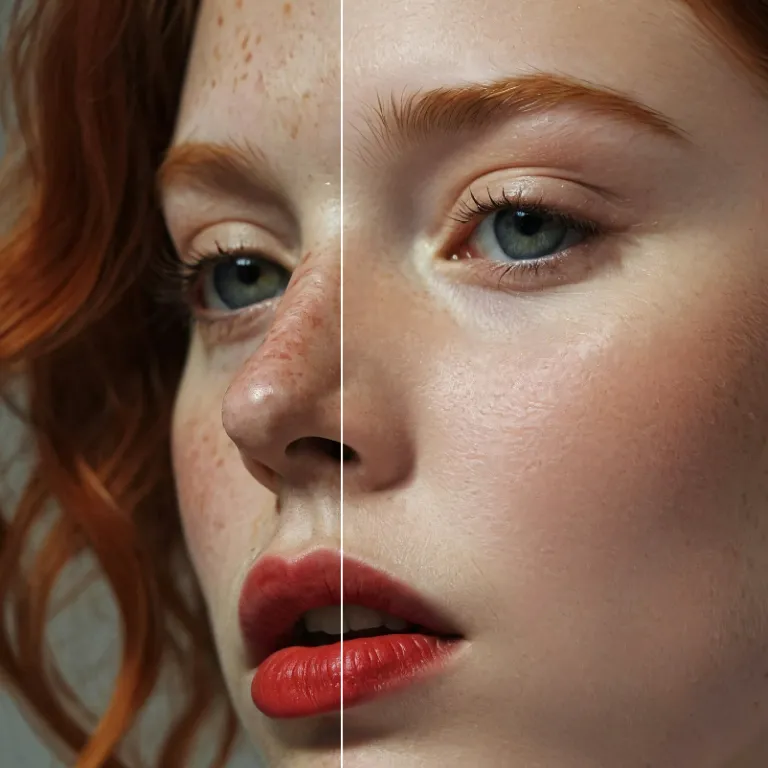
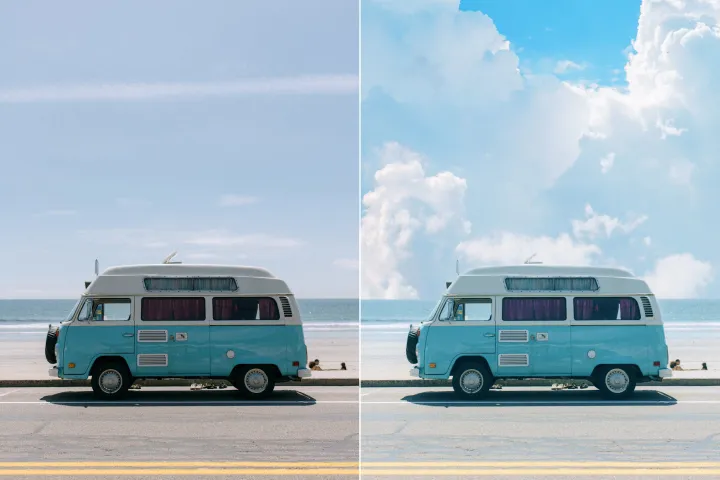
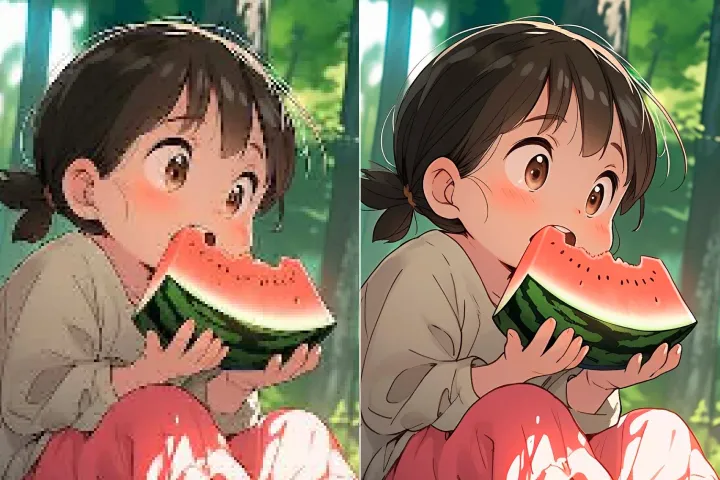
Enhance Photo
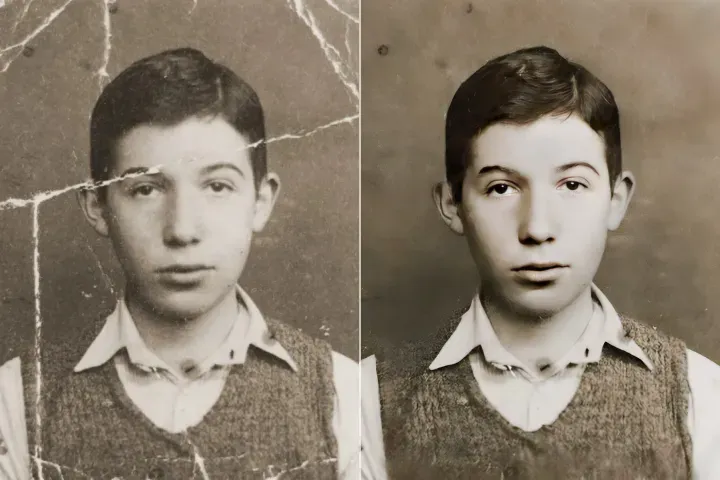
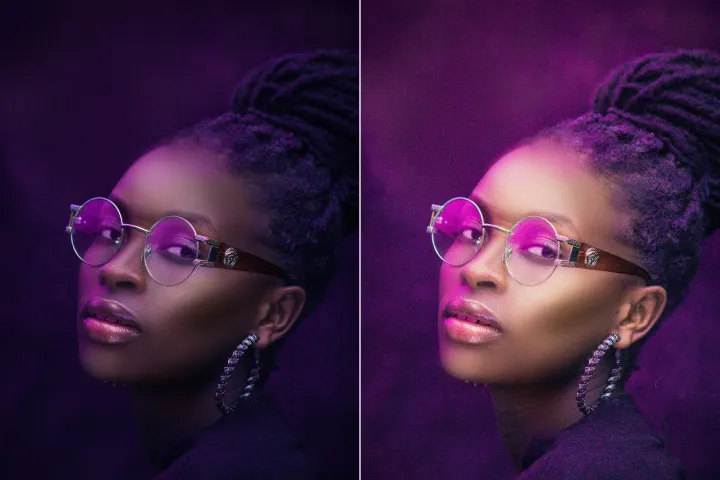
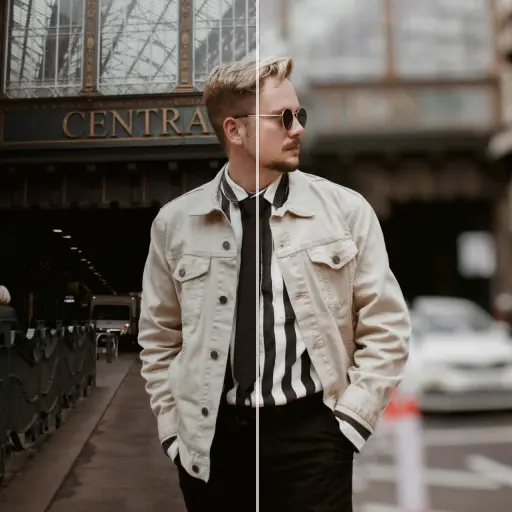
Automatically enhance the blurry photo's resolution and increase the overall quality.
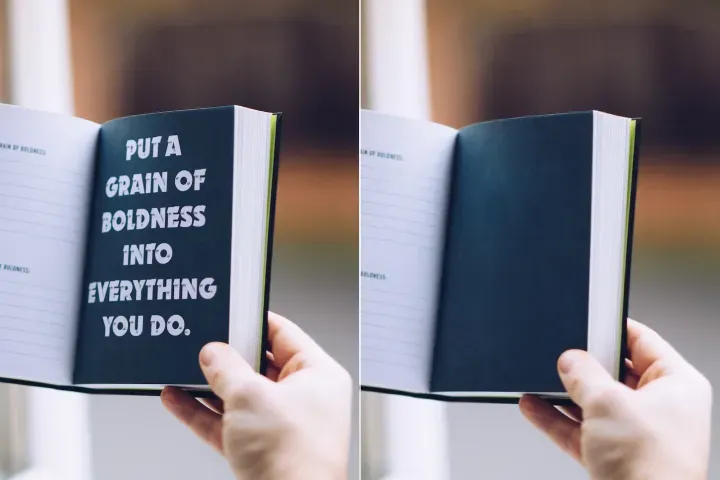
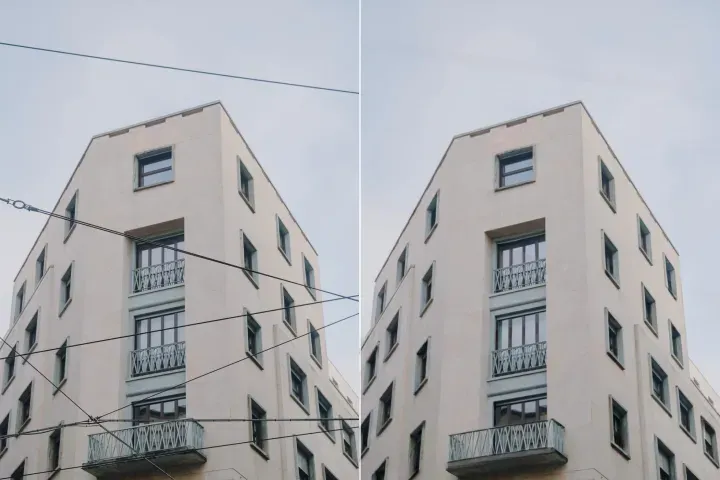
Remove Objects
AIPhotor's One-Touch AI simply detects and removes unwanted details in your picture.
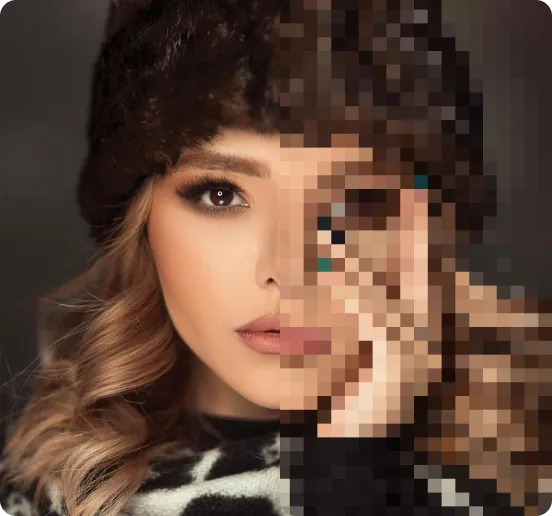
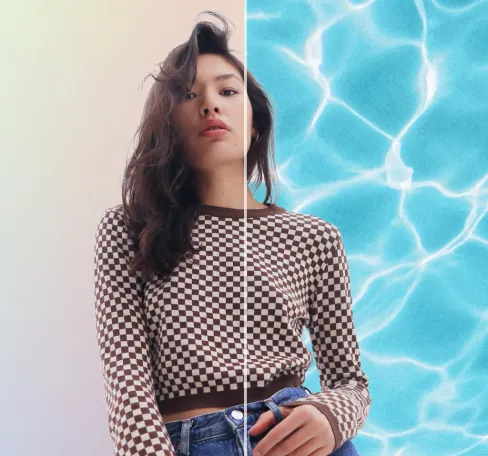
Remove Background
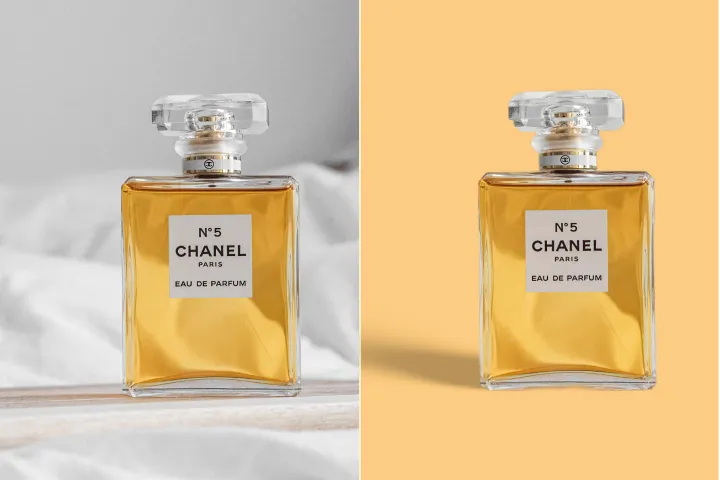
Seamlessly remove background from photos. Edit background with 100+ well-designed templates.
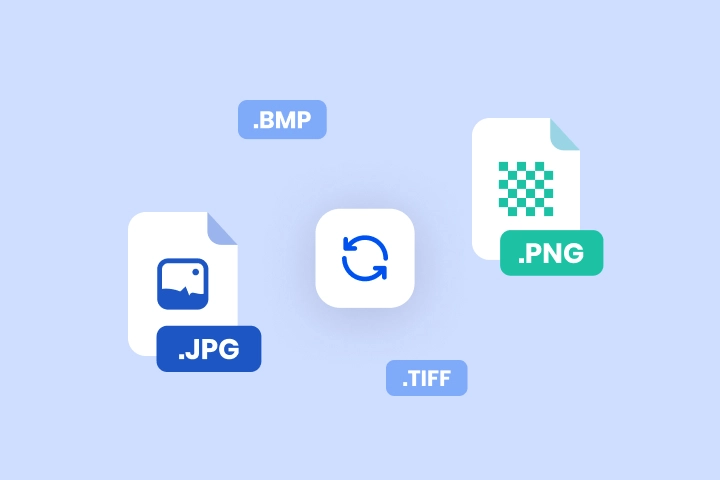
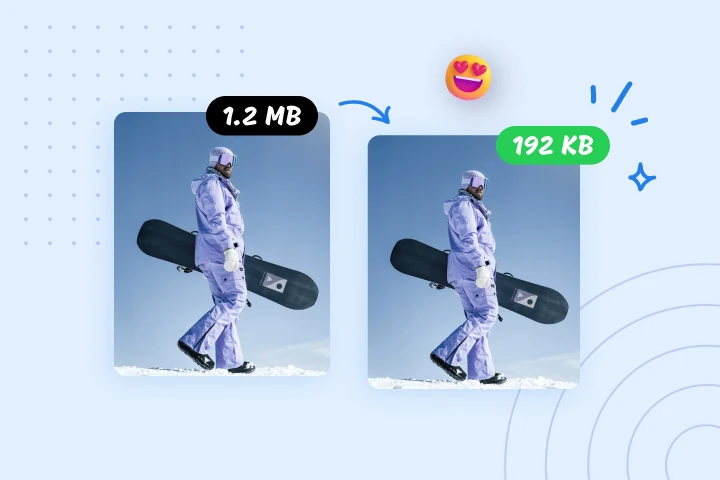
Converteer afbeeldingen met één klik naar elk gewenst formaat
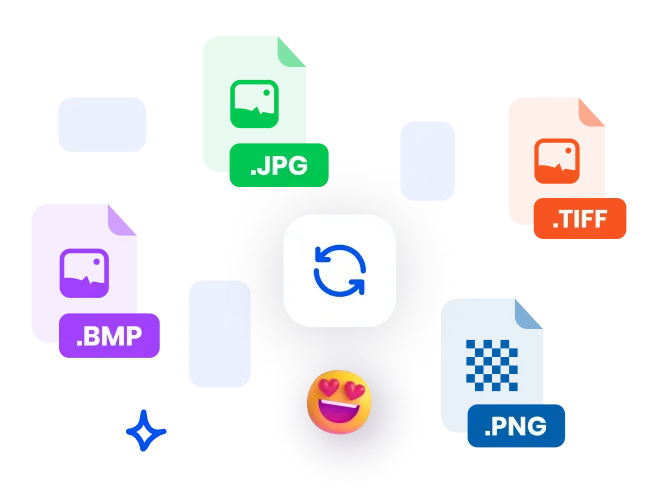
PDF-audit- en logging-ondersteunde converter: PNG naar JPG, JPG naar PDF, of TIFF naar JPG met traceerbare verwerkingsgeschiedenis. Beveiligde uploads, hoogwaardige conversie en batchverwerking inbegrepen.
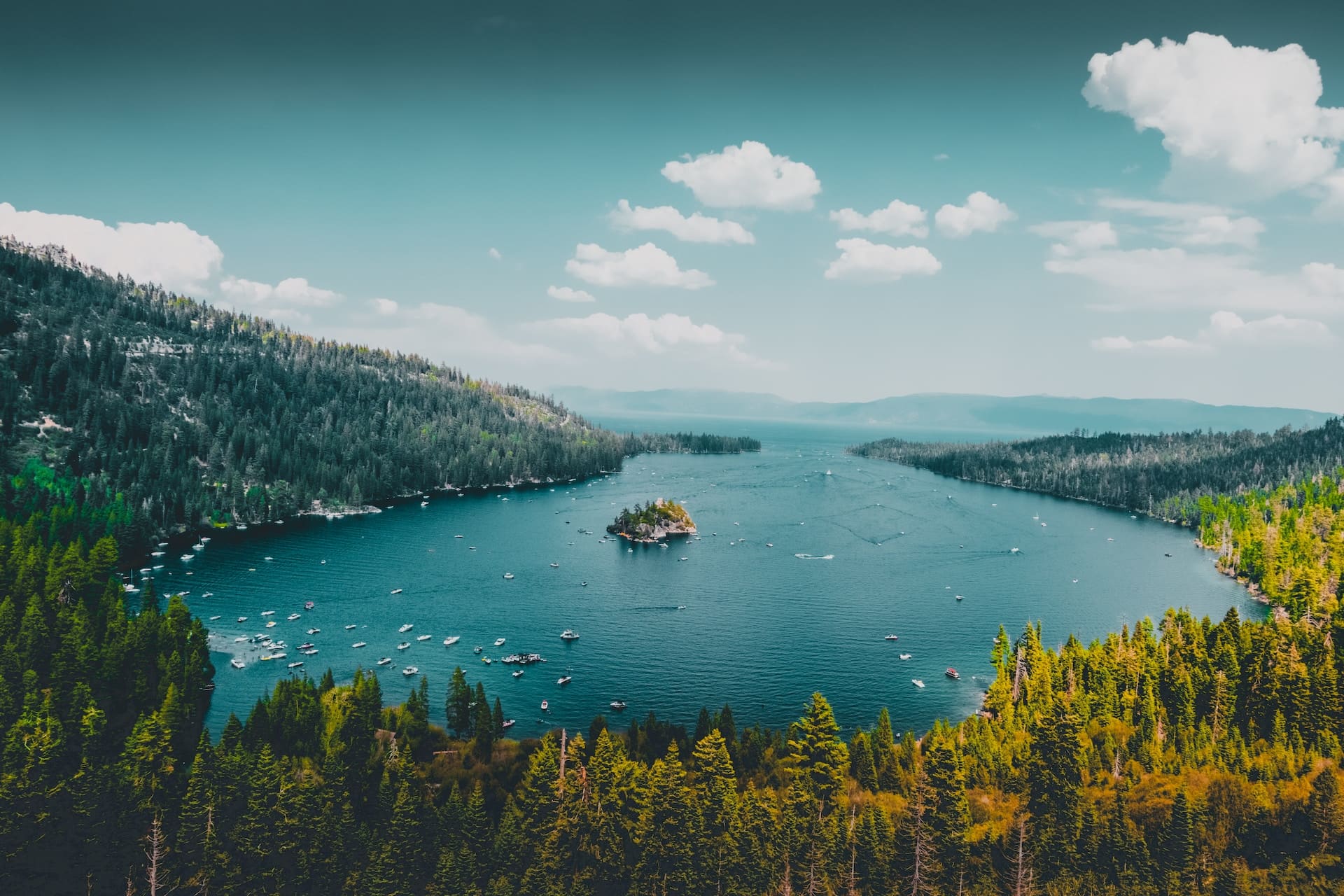
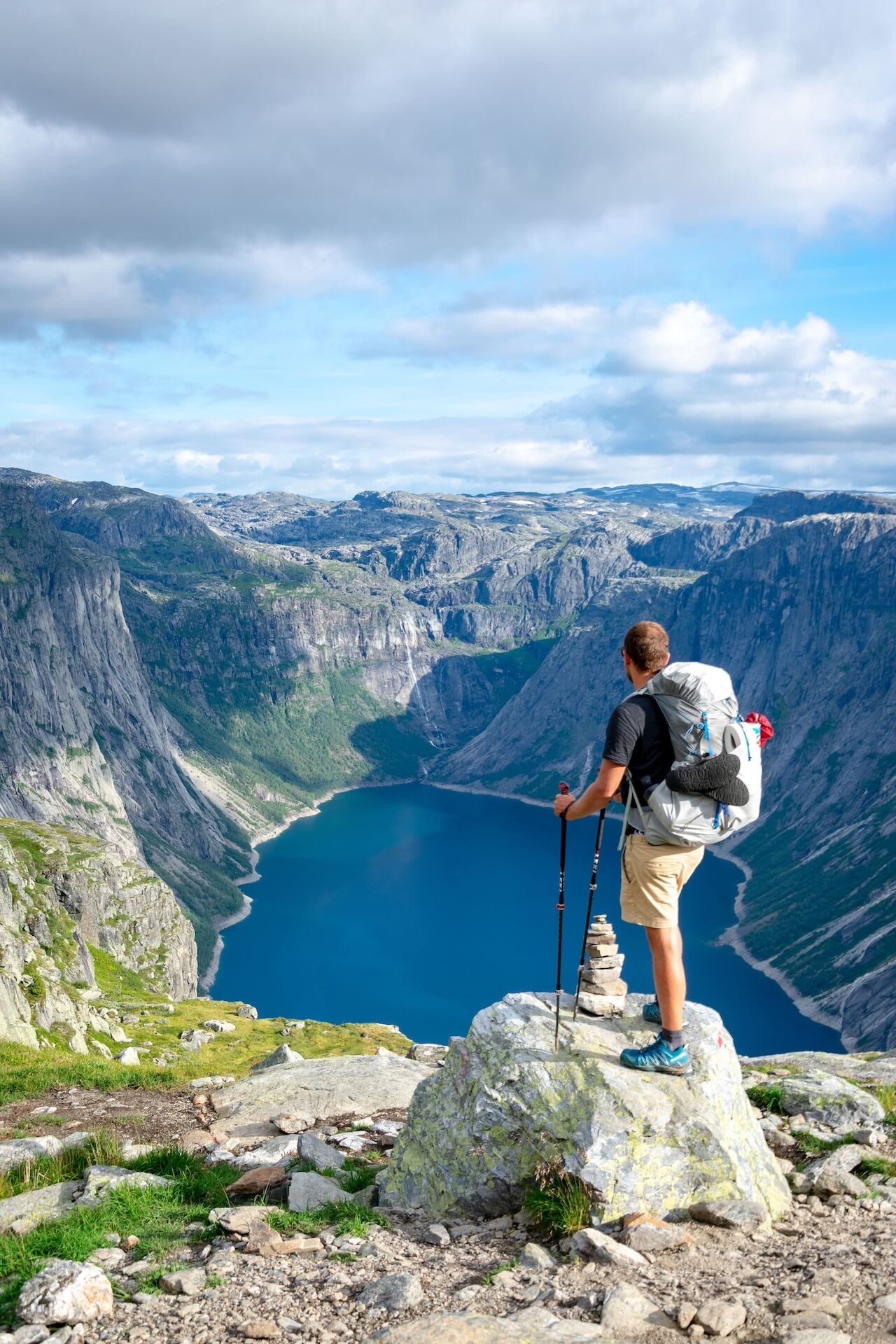
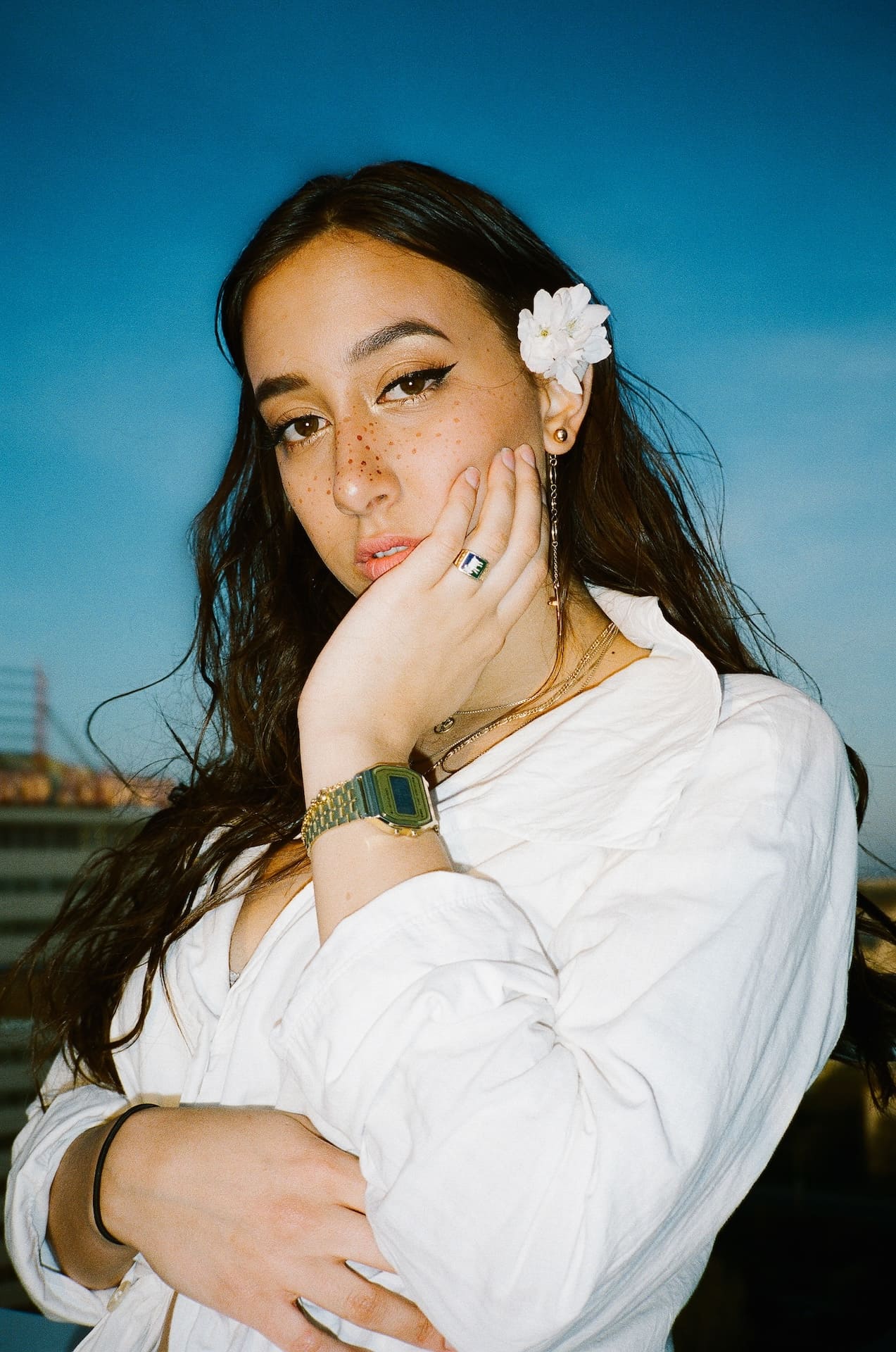

Hoe u een bestand converteert binnen de PDF-audit- en logging-workflow
Volg deze drie stappen om bestanden binnen het PDF-monitoringsysteem vanaf elk apparaat te converteren:
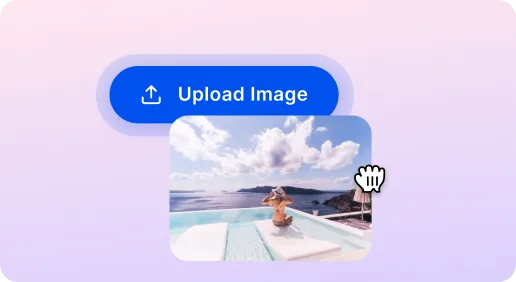
1 Upload een afbeelding
2 Kies het doelformaat
3 Afbeelding converteren
SnapEdit Image Converter: Sneller en Veiliger
Beeld converteren voor website
Converteer afbeeldingen naar JPEG of WebP voor snellere laadtijden terwijl de hoge kwaliteit behouden blijft. Deze formaatwijziging wordt vastgelegd in PDF Audit and Logging om traceerbaarheid van de geschiedenis van beeldverwerking en voortdurende monitoring van conversies.
Beeld converteren voor fotobewerking
Eenvoudig van formaat wisselen voor bewerkingsdoeleinden, bijv. JPEG naar PNG voor transparantie of HEIC naar PNG voor compatibiliteit. Elke formaatwissel wordt vastgelegd in PDF Audit and Logging om een duidelijk auditspoor en verwerkingsgeschiedenis te behouden.
Migreer verouderde formaten naar veelondersteunde formaten
Converteer oudere of niet-ondersteunde afbeeldingsformaten naar moderne, breed compatibele formaten. Acties worden vastgelegd in PDF Audit and Logging om traceerbaarheid, monitoring van de verwerkingsstatus en een nalevingsvriendelijke historie te bieden.

Free to Try
AIPhotor is free to try for 3 days, after which you can subscribe to one of our incredible value plans.

Free to Try
We automatically sharpen and transform your images with AI to create multiple final looks. But you can also adjust and add a prompt to customize the results. Choose what works best for you!

Quick & Easy
Screen, edit, resize and download your photos lightning fast.

Compatible with all devices
AIPhotor is available on the iOS and Android stores. Our app works seamlessly across mobile, desktop, and tablet devices.
Frequently Asked Questions
-
What is AIPhotor Photo Editor?

 AIPhotor is a visual online photo editing website that leverages AI technology to help automatically remove objects/people from images; retouch, enhance, colorize, correct, cartoonize, and animate photos in a snap, replacing other photo editing tools Photoshop, Pixlr editor, or Photopea.
Or just drag & drop image here, upto 50 images at once
Or just drag & drop image here, upto 50 images at once
Frequently Asked Questions
-
What is AIPhotor Photo Editor?
AIPhotor is a visual online photo editing website that leverages AI technology to help automatically remove objects/people from images; retouch, enhance, colorize, correct, cartoonize, and animate photos in a snap, replacing other photo editing tools Photoshop, Pixlr editor, or Photopea.
