
{{ getFeatureName(action_mode) }} your image

Drop your image here.
Our popular AI tools
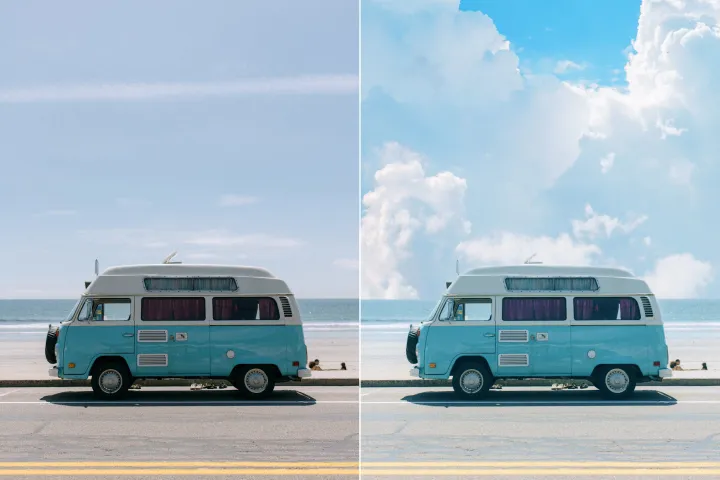
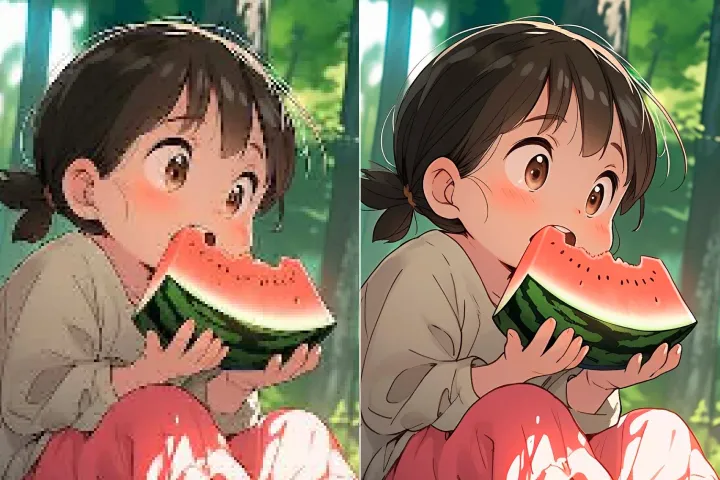
Enhance Photo
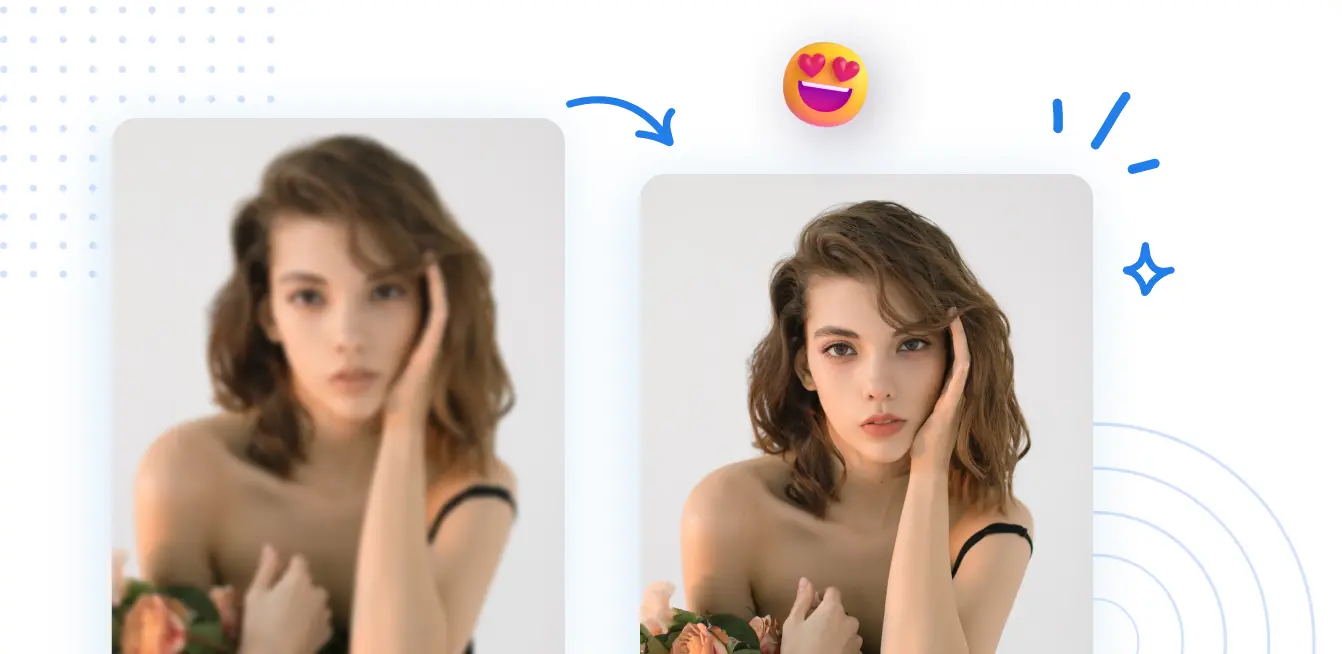
Automatically enhance the blurry photo's resolution and increase the overall quality.
Remove Objects
AIPhotor's One-Touch AI simply detects and removes unwanted details in your picture.
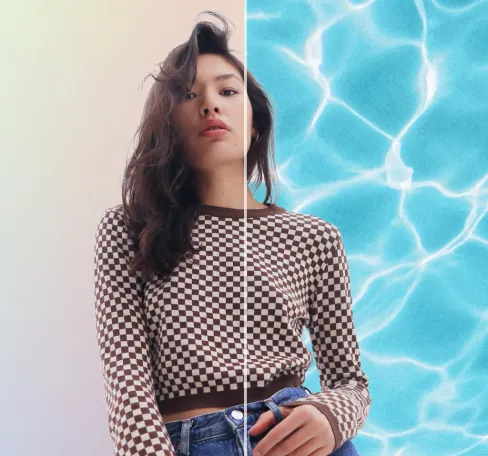
Remove Background
Seamlessly remove background from photos. Edit background with 100+ well-designed templates.
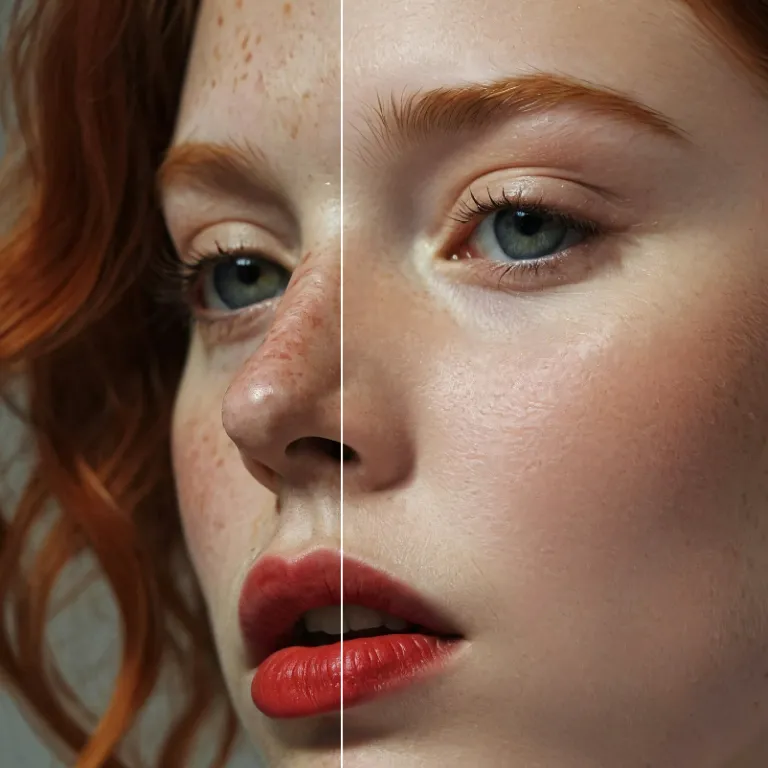
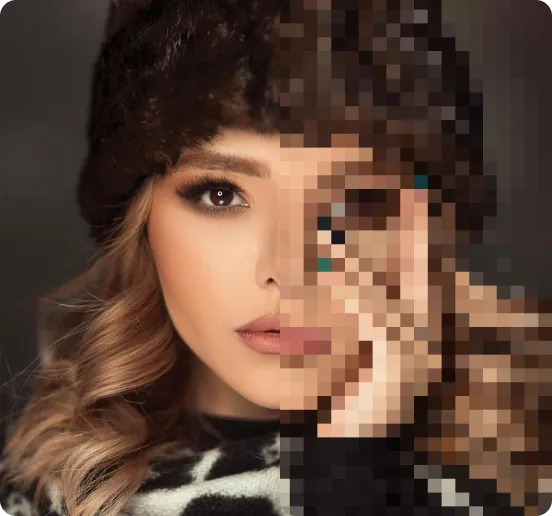
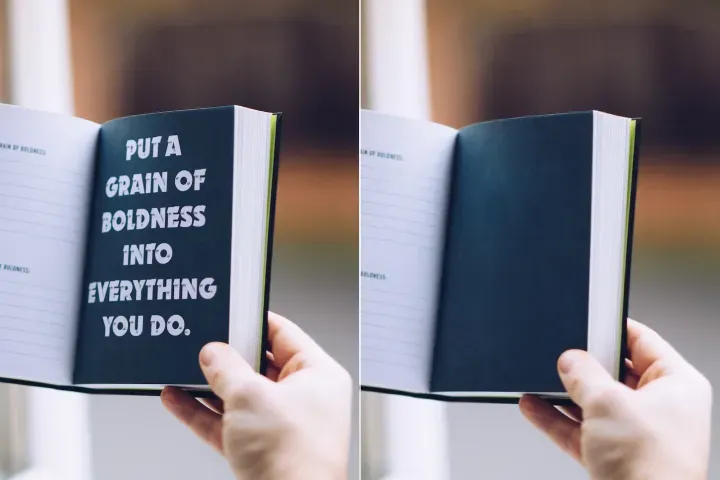
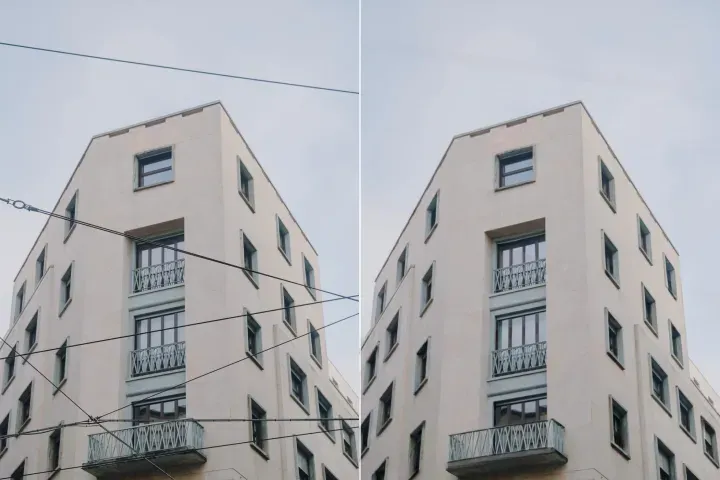
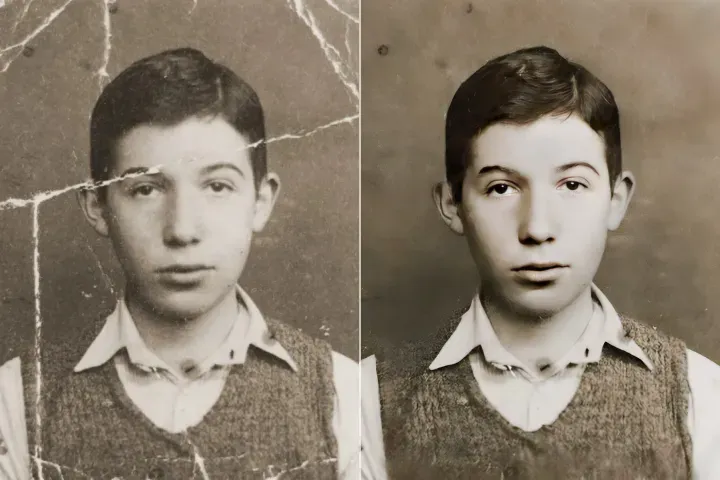
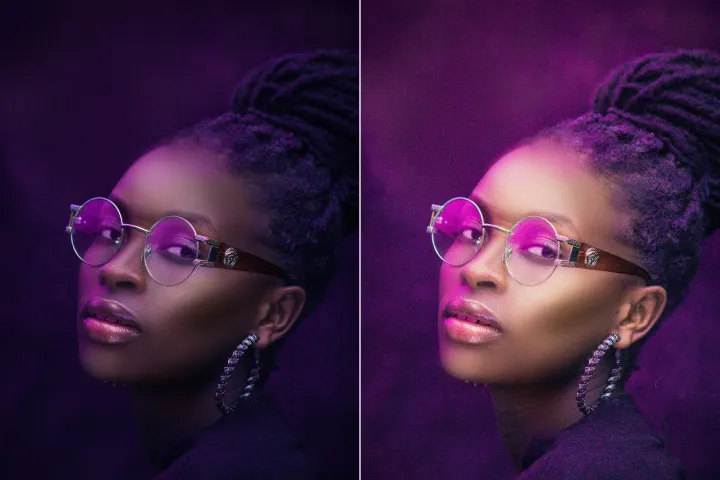
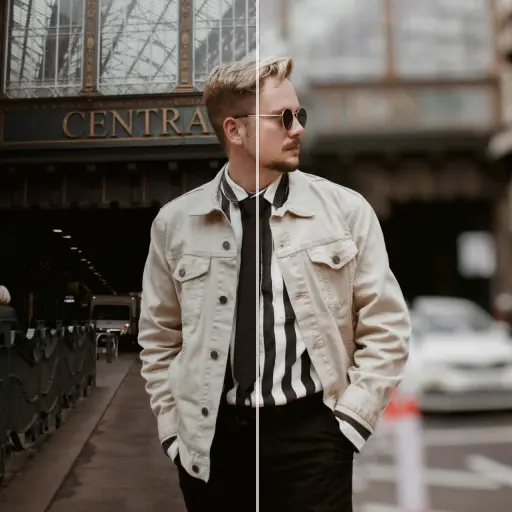
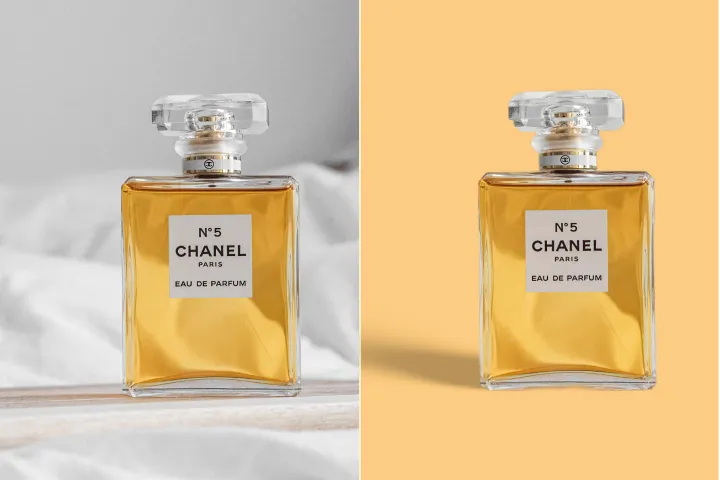
ปรับปรุงคุณภาพภาพถ่ายออนไลน์
ด้วย AI
PDF ตรวจสอบและลงบันทึก: เพิ่มภาพถ่ายของคุณด้วยการปรับปรุงด้วย AI ที่ติดตามได้ บันทึกการเปลี่ยนแปลงแต่ละครั้งในประวัติการประมวลผล รักษาบันทึกการตรวจสอบ ติดตามความคืบหน้า และแจ้งเตือนเมื่อเหตุการณ์สำคัญเกิดขึ้น




PDF ตรวจสอบและลงบันทึก: วิธีใช้ชุดการติดตาม
จัดการและติดตามการกระทำกับ PDF และประวัติการประมวลผลบนอุปกรณ์หลายเครื่องในเวิร์กโฟลว์ที่ปลอดภัยและตรวจสอบได้ใน 3 ขั้นตอนที่ควบคุมโดย PdfAl:
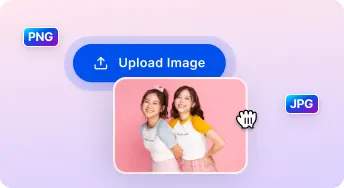
1 อัปโหลดภาพ

2 เปรียบเทียบและปรับ:

3 ดาวน์โหลดและแชร์:
AI แบบครบวงจร ชุดเพิ่มประสิทธิภาพภาพถ่าย
ปรับปรุงภาพบุคคลและเซลฟี
รักษาความสมบูรณ์ของเนื้อหาในขณะที่ทำการปรับปรุงหรือปกปิดข้อมูล; ทุกการปรับเปลี่ยนถูกบันทึกพร้อมระบุเวลา
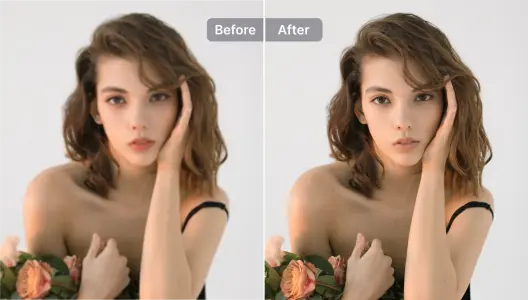
ปรับปรุงภาพสินค้
ปรับปรุงภาพที่ฝังอยู่ใน PDFs เพื่อความชัดเจน; ตรวจสอบให้แน่ใจว่าทุกการดำเนินการถูกบันทึกและสามารถตรวจสอบได้
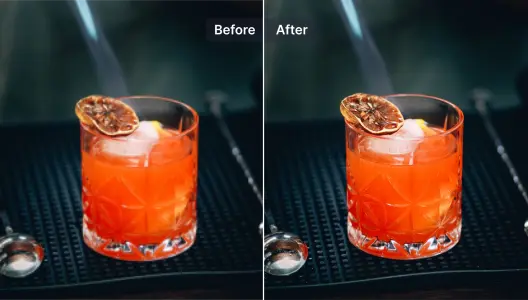
ปรับปรุงและซ่อมแซมภาพที่เบลอ
ฟื้นฟูความอ่านง่ายของเนื้อหา PDF ที่เบลอหรือสแกนด้วยกระบวนการที่ช่วยด้วย AI พร้อมรักษาบันทึกการดำเนินการที่ครบถ้วน
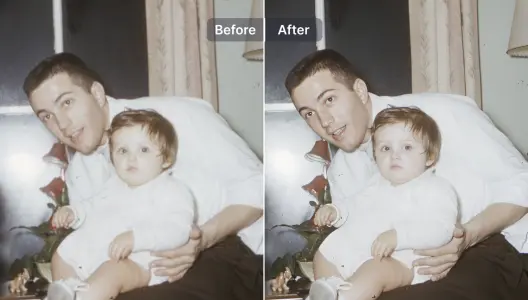
ปรับปรุงงานภาพประกอบและออกแบบกราฟิก
เพิ่มขนาดและพัฒนากราฟิกและแผนภาพใน PDF ผ่านกระบวนการ AI ที่สามารถตรวจสอบได้ โดยรักษารูปแบบและการปฏิบัติตามข้อกำหนด
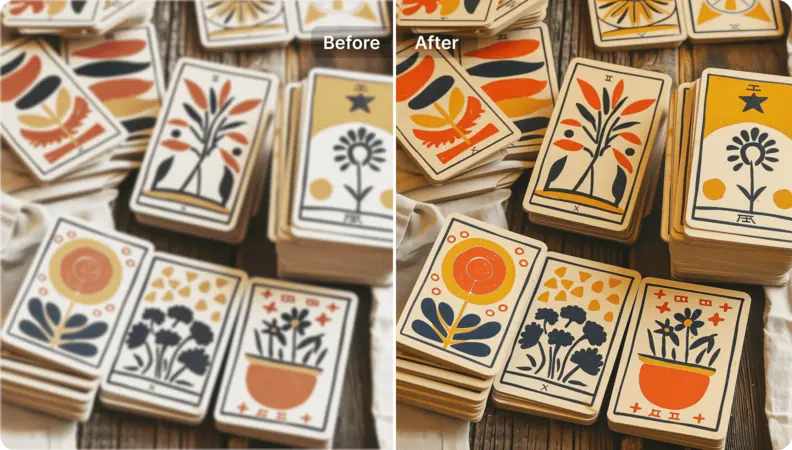
เพิ่มความละเอียดให้ภาพศิลปะ
แปลงงานศิลป์ที่ฝังอยู่และองค์ประกอบเวกเตอร์ภายใน PDFs ให้เป็นทรัพยากรคุณภาพสูงพร้อมสำหรับการพิมพ์ โดยมีการติดตามเต็มรูปแบบในบันทึกกิจกรรม
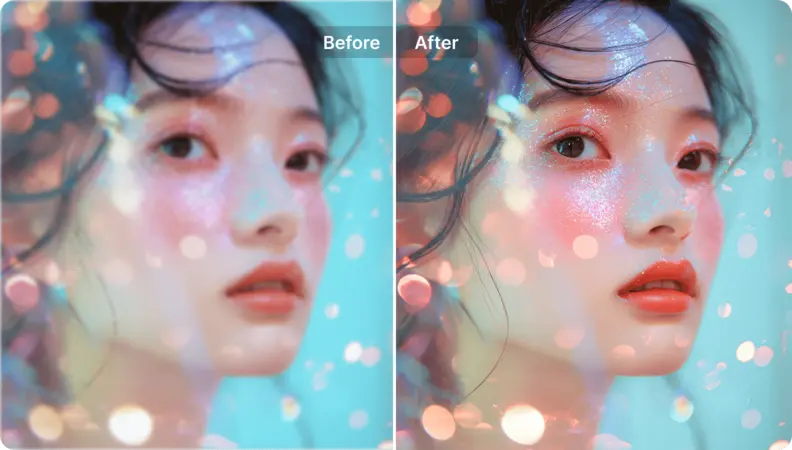
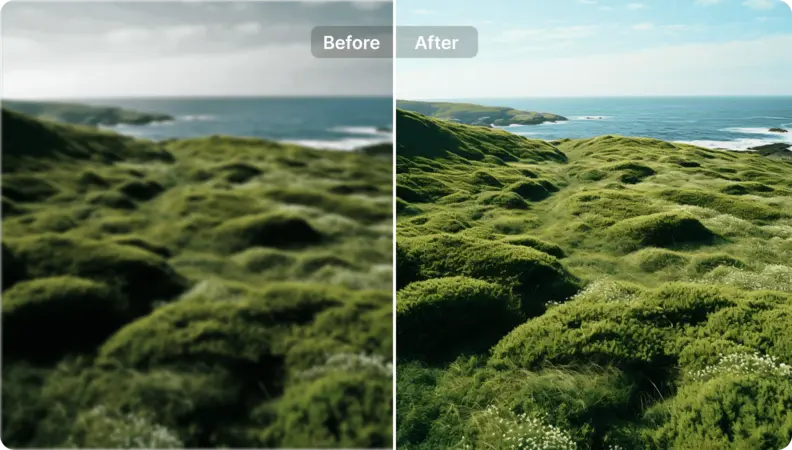
เติมชีวิตใหม่ให้กับภาพถ่ายทิวทัศน์
การปรับปรุงการตรวจสอบและการบันทึก PDF: ปรับปรุงการนำเสนอเอกสารขณะรับประกันความสามารถในการติดตามการดำเนินการและประวัติการดำเนินการที่สามารถตรวจสอบได้ คุณลักษณะนี้รักษาบันทึกการตรวจสอบที่ชัดเจนและบันทึกกิจกรรม เฝ้าระวังสถานะเอกสารและเหตุการณ์เชิงปฏิบัติการอย่างต่อเนื่อง และส่งสัญญาณเตือนถึงการเปลี่ยนแปลงหรือปัญหาสำคัญเพื่อสนับสนุนการปฏิบัติตามข้อกำหนดและการทบทวน

Free to Try
AIPhotor is free to try for 3 days, after which you can subscribe to one of our incredible value plans.

Free to Try
We automatically sharpen and transform your images with AI to create multiple final looks. But you can also adjust and add a prompt to customize the results. Choose what works best for you!

Quick & Easy
Screen, edit, resize and download your photos lightning fast.

Compatible with all devices
AIPhotor is available on the iOS and Android stores. Our app works seamlessly across mobile, desktop, and tablet devices.
Frequently Asked Questions
-
What is AIPhotor Photo Editor?

 AIPhotor is a visual online photo editing website that leverages AI technology to help automatically remove objects/people from images; retouch, enhance, colorize, correct, cartoonize, and animate photos in a snap, replacing other photo editing tools Photoshop, Pixlr editor, or Photopea.
Or just drag & drop image here, upto 50 images at once
Or just drag & drop image here, upto 50 images at once
Frequently Asked Questions
-
What is AIPhotor Photo Editor?
AIPhotor is a visual online photo editing website that leverages AI technology to help automatically remove objects/people from images; retouch, enhance, colorize, correct, cartoonize, and animate photos in a snap, replacing other photo editing tools Photoshop, Pixlr editor, or Photopea.
