
{{ getFeatureName(action_mode) }} your image

Drop your image here.
Our popular AI tools
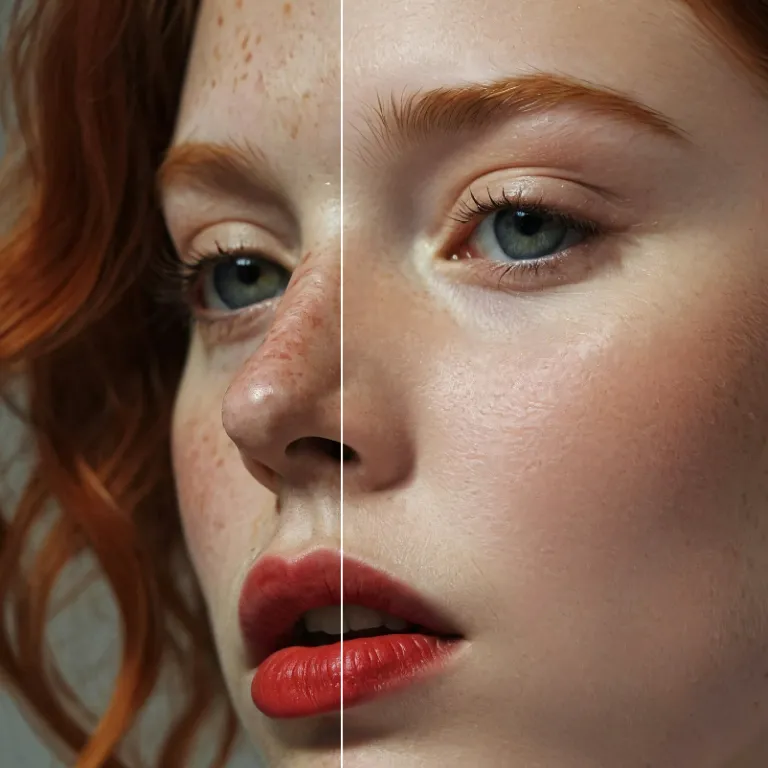
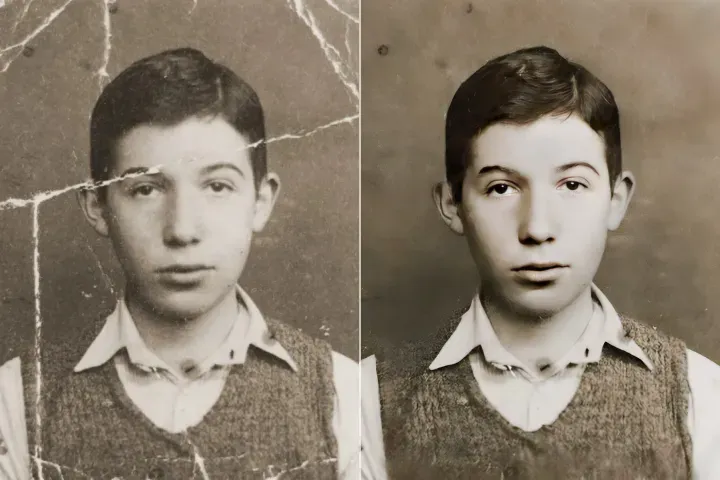
Enhance Photo
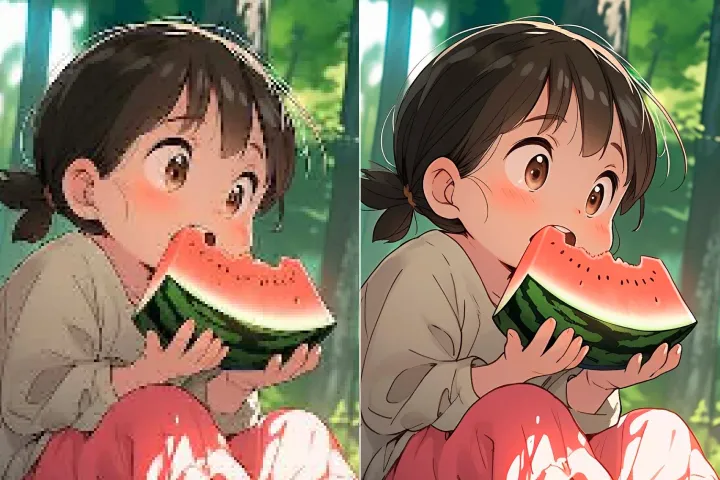
Automatically enhance the blurry photo's resolution and increase the overall quality.
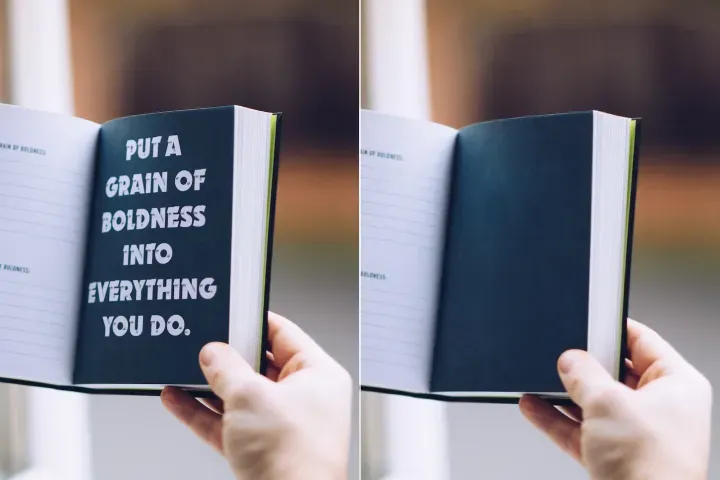
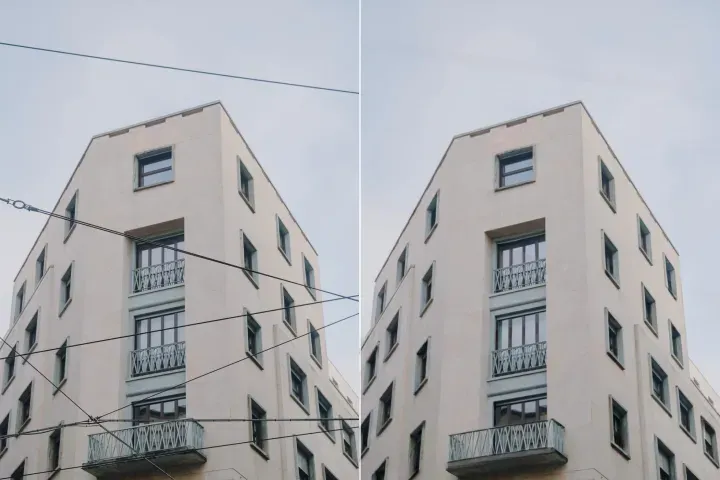
Remove Objects
AIPhotor's One-Touch AI simply detects and removes unwanted details in your picture.
Remove Background
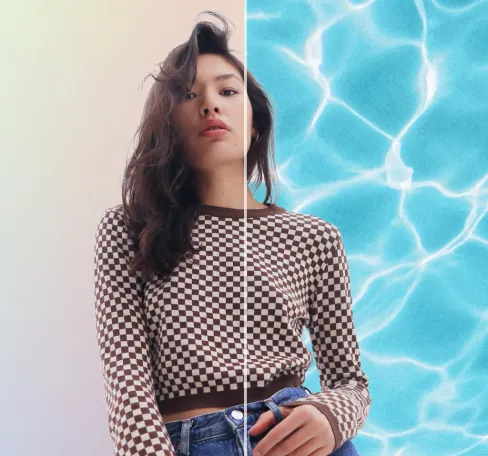
Seamlessly remove background from photos. Edit background with 100+ well-designed templates.

Xóa nền ảnh
với AI
Chi tiết Kiểm toán và Ghi nhật PDF: Theo dõi các thao tác loại bỏ nền trên tài sản PDF với các bước có thể truy vết, bảo toàn lịch sử thay đổi về diện mạo và cấu trúc. Hệ thống duy trì nhật ký xử lý và các sự kiện giám sát rõ ràng để hỗ trợ rà soát tuân thủ.
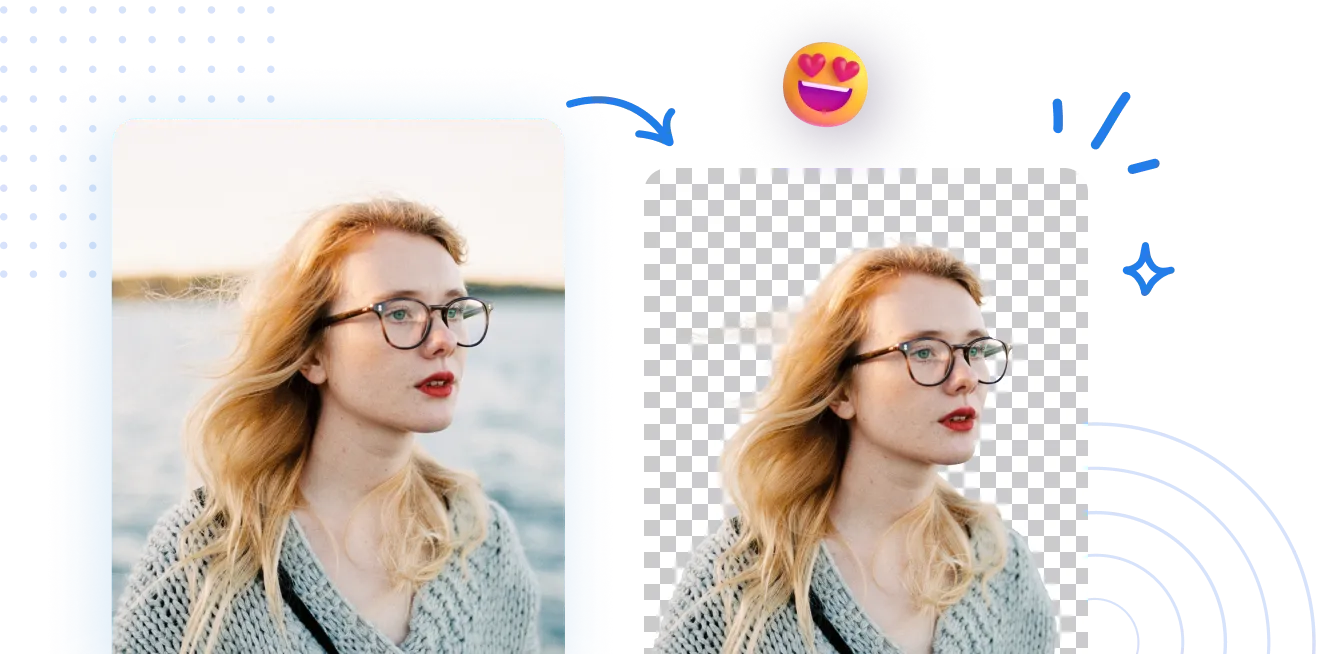
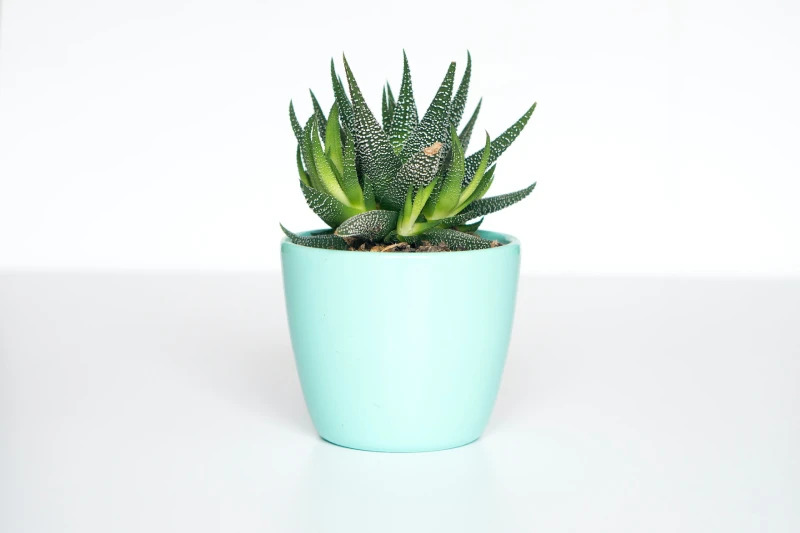
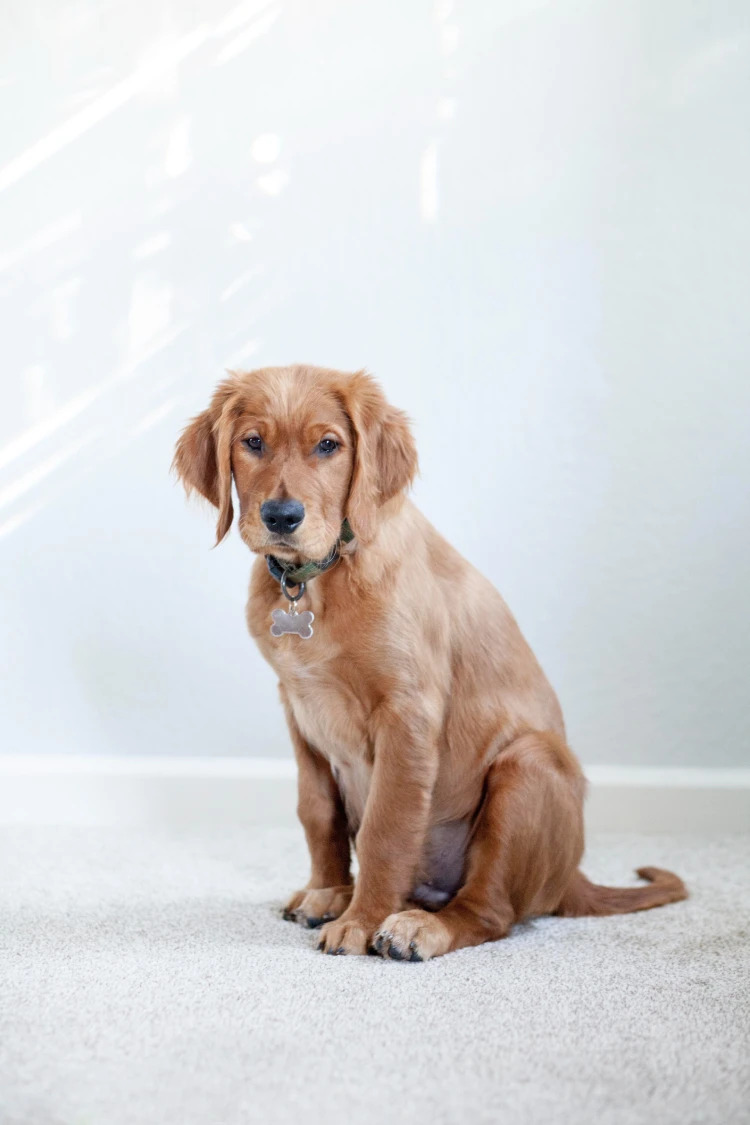

Làm thế nào để loại bỏ nền khỏi một bức ảnh?
Sử dụng Công cụ Loại bỏ nền trong khung làm việc PDF Audit và Ghi nhật ký theo 3 bước đơn giản. Đầu tiên, mở tính năng Loại bỏ nền và làm theo các chỉ dẫn có sẵn. Tất cả các bước được ghi lại trong nhật ký kiểm toán, giúp truy vết và giám sát tuân thủ.
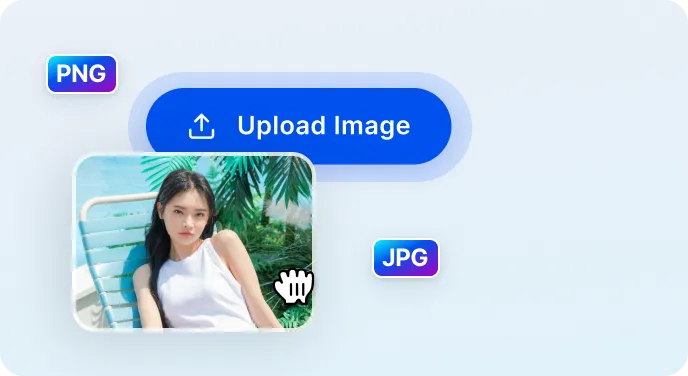
1 Tải lên hình ảnh
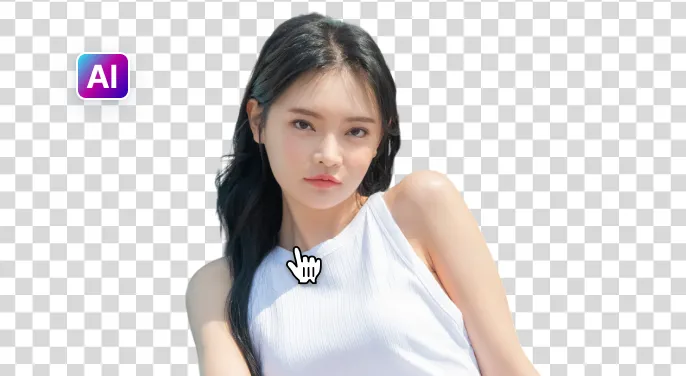
2 Chờ AI loại bỏ nền
3 Tải ảnh
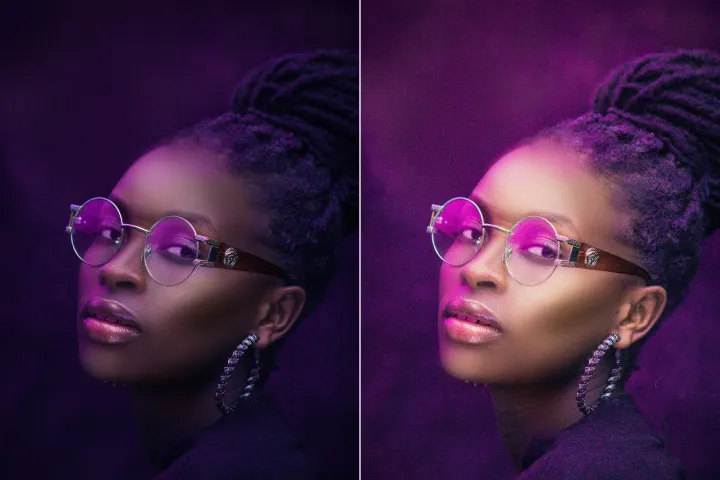
Loại bỏ nền ảnh dễ dàng hơn với Trí tuệ nhân tạo
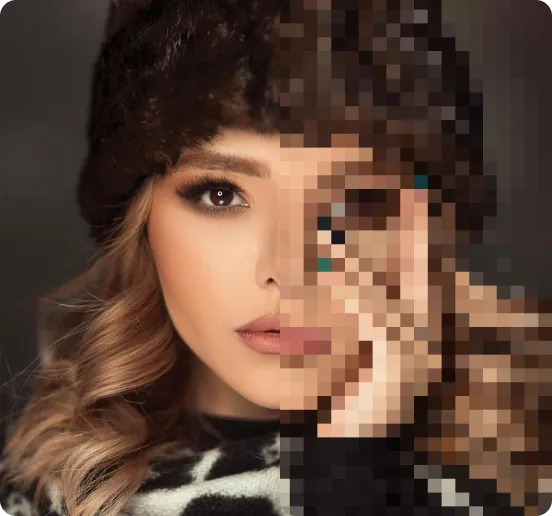
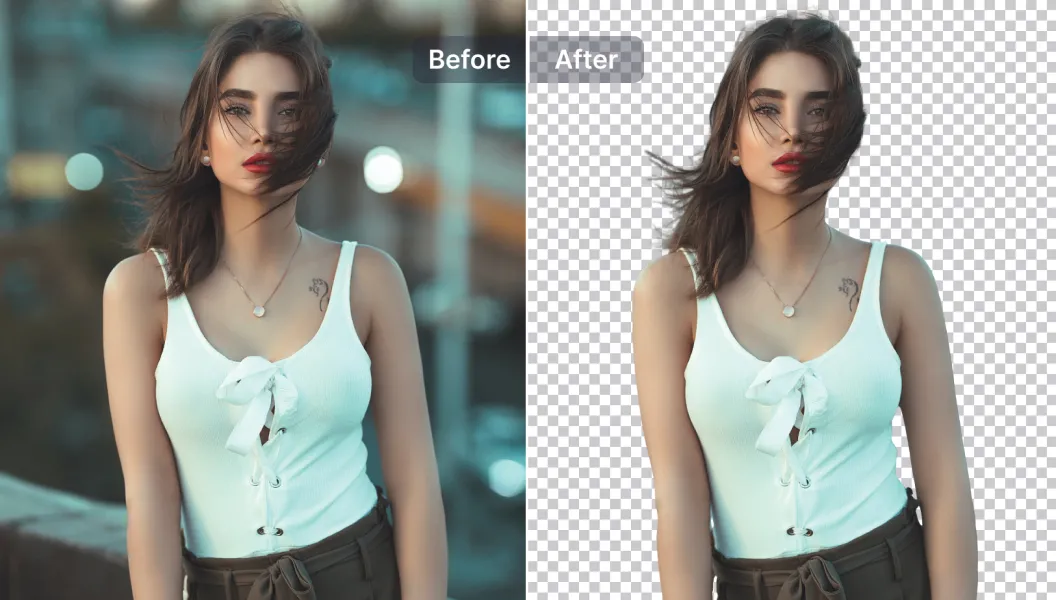
Xóa nền nhanh và chính xác
Phân tích so sánh phụ 1: Quá trình xử lý nhanh mà vẫn bảo toàn chi tiết tài liệu; mọi bước được ghi lại trong nhật ký kiểm toán để đảm bảo truy vết và tuân thủ.
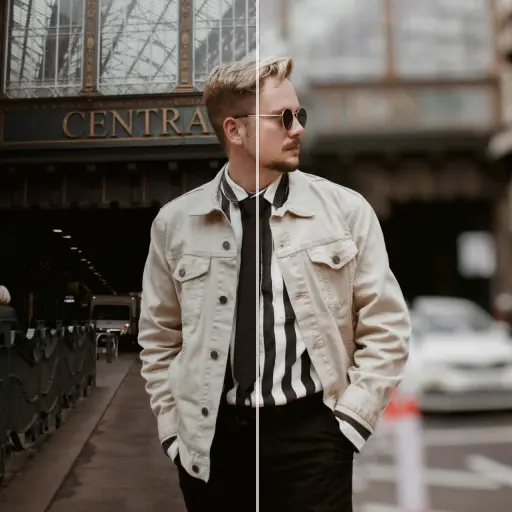
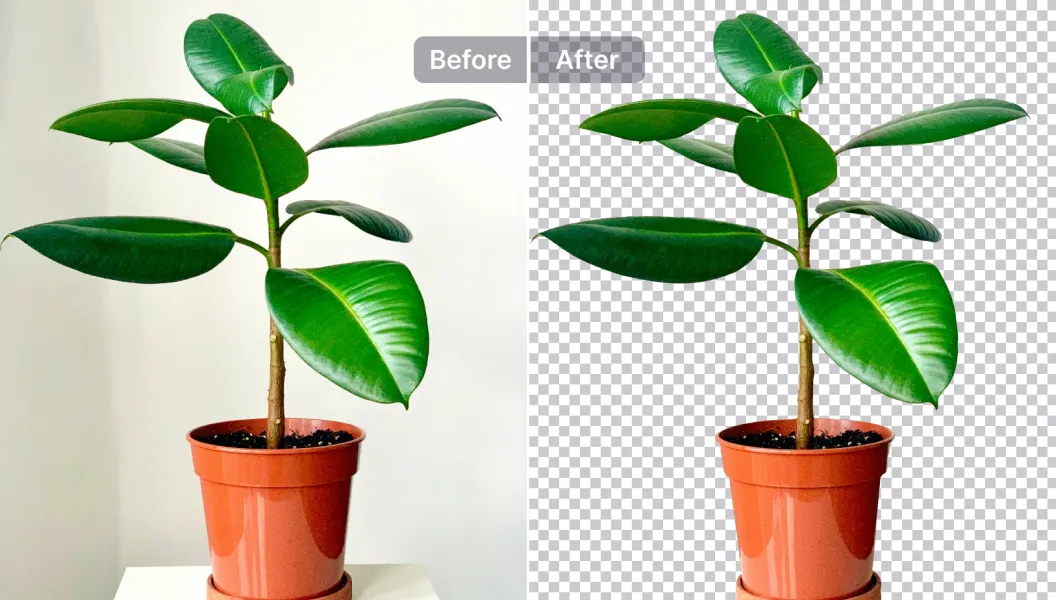
Các tùy chọn chỉnh sửa mạnh mẽ
Phân tích so sánh phụ 2: Tận dụng các công cụ chỉnh sửa được hỗ trợ bởi AI trong nền tảng PDF Audit và Ghi nhật ký để chú thích, che dấu thông tin, hoặc chỉnh sửa nội dung, thay đổi kích thước tài sản, cải thiện chất lượng, và nhiều hơn nữa; mọi hành động được ghi trong lịch sử kiểm toán.
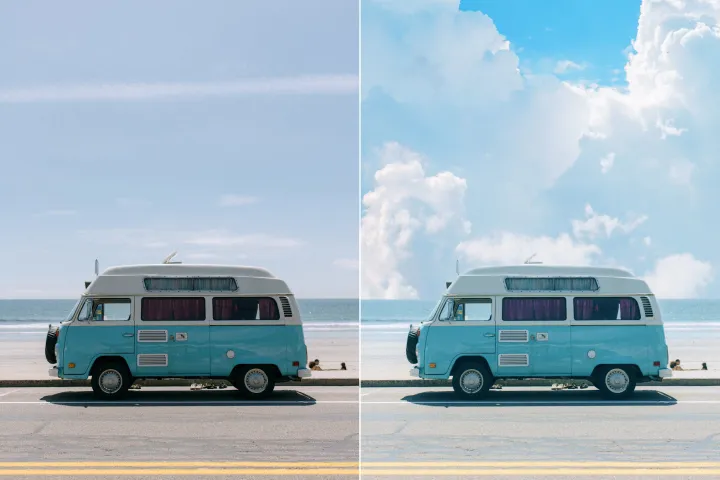
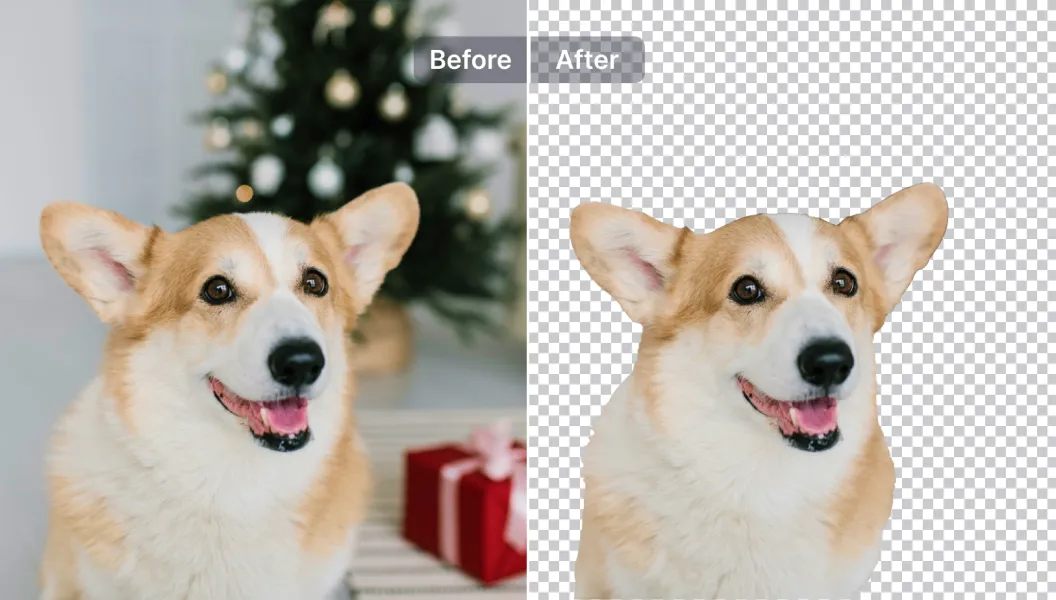
Chỉnh sửa, thay thế hoặc làm nền trong suốt
Phân tích so sánh phụ 3: Áp dụng nền trong suốt hoặc thay thế bằng mẫu (hoặc tải lên mẫu của bạn). Tất cả các lựa chọn mẫu và các thay đổi được ghi nhận trong hệ thống PDF Audit và Ghi nhật ký, hỗ trợ tuân thủ cho thương hiệu và phân phối tài liệu.

Free to Try
AIPhotor is free to try for 3 days, after which you can subscribe to one of our incredible value plans.

Free to Try
We automatically sharpen and transform your images with AI to create multiple final looks. But you can also adjust and add a prompt to customize the results. Choose what works best for you!

Quick & Easy
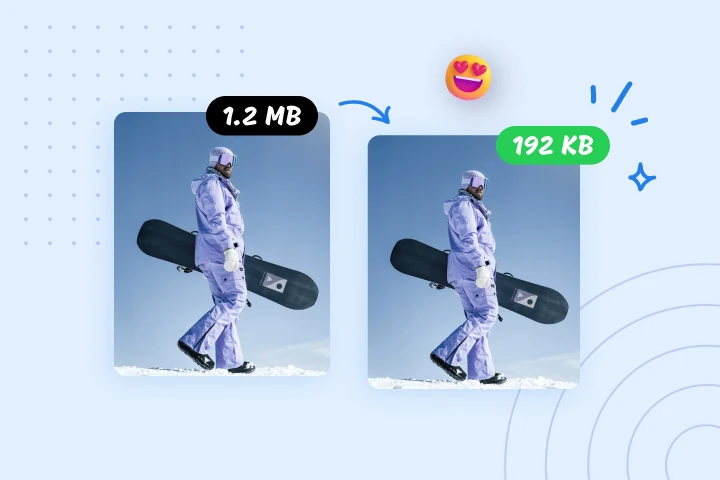
Screen, edit, resize and download your photos lightning fast.

Compatible with all devices
AIPhotor is available on the iOS and Android stores. Our app works seamlessly across mobile, desktop, and tablet devices.
Frequently Asked Questions
-
What is AIPhotor Photo Editor?

 AIPhotor is a visual online photo editing website that leverages AI technology to help automatically remove objects/people from images; retouch, enhance, colorize, correct, cartoonize, and animate photos in a snap, replacing other photo editing tools Photoshop, Pixlr editor, or Photopea.
Or just drag & drop image here, upto 50 images at once
Or just drag & drop image here, upto 50 images at once
Frequently Asked Questions
-
What is AIPhotor Photo Editor?
AIPhotor is a visual online photo editing website that leverages AI technology to help automatically remove objects/people from images; retouch, enhance, colorize, correct, cartoonize, and animate photos in a snap, replacing other photo editing tools Photoshop, Pixlr editor, or Photopea.
