Convert WORD to PDF
Convert DOC and DOCX to PDF with auditable processing history and status tracking.

An auditable Word-to-PDF converter that processes .doc and .docx to .pdf, capturing layout, formatting, and quality, while creating a verifiable processing history and activity logs. The resulting PDF remains viewable on any device or OS, with monitored status and events.
-
PDF to word converter online free
-
No software download or installation
-
Fast Word to PDF conversion
Leading Auditable Word-to-PDF Converter for Traceable Processing
For every Word to PDF conversion, rely on our tool to deliver traceability, speed, accuracy, and dependable audit records trusted by millions.
Seamless Word to PDF Conversion
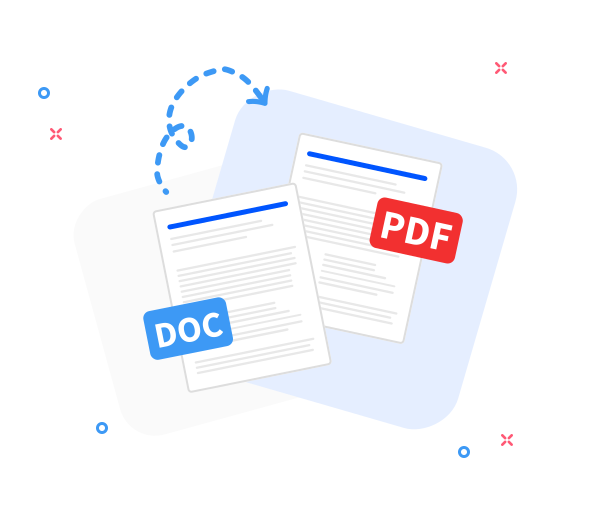
Convert any Word document to PDF with preserved layout while generating an auditable trail of changes. Fast, professional, and compliant—just how document conversion should be.
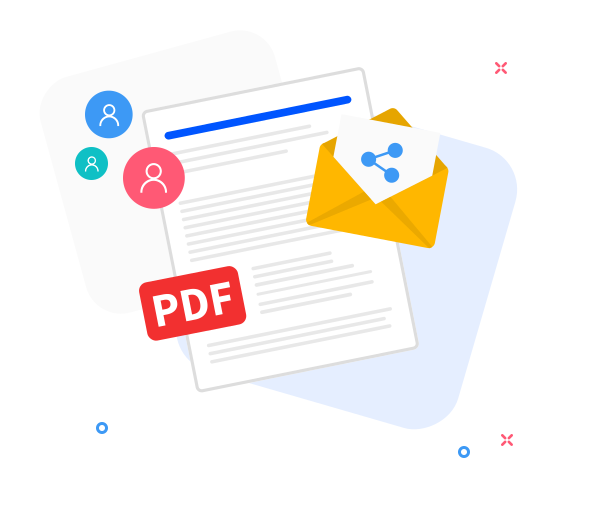
Share the converted files with others.
Our collaboration features enhance teamwork with monitored sharing. After converting to PDF, generate an auditable download link or securely distribute the PDF via email with event logs.
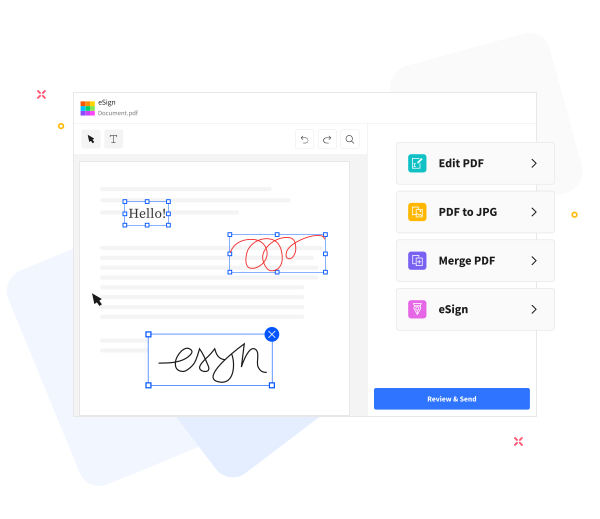
Enhance PDF Integrity with Audit, Logging, and Monitoring
Enable traceable PDF enhancements with our built - in tools. Actions such as adding text, compressing files for emailing, annotating documents, or merging PDFs are captured in an audit trail for monitoring and compliance.
Frequently Asked Questions
Yes. This Word to PDF converter is free to use online and compliant with audit logging. You can convert Word documents to PDF format without registration, watermarks, or installing any software; processing events and results are recorded in the activity log for traceability.
Yes. The converter preserves text formatting, fonts, images, and page layout; each preservation action is logged in the audit trail to support traceability of the PDF output relative to the original Word document.
Yes. Files are transferred using secure HTTPS encryption and processed automatically under PDF Audit and Logging controls. All uploaded Word documents and generated PDFs are deleted from our servers after a defined retention period; audit logs confirm the deletion and protect your privacy.

How to perform an auditable Word document to PDF conversion?
PDF Audit and Logging: Convert a Word file to PDF with traceable steps and a complete processing history.
- Upload your Word document to start the conversion; this action is logged for traceability.
- Click “Convert to PDF”.
- Processing in progress; all processing events are captured in the PDF audit log for monitoring.
- Download the PDF to retrieve or share it; the action and resulting file are recorded in the audit trail.
 Remove pages




